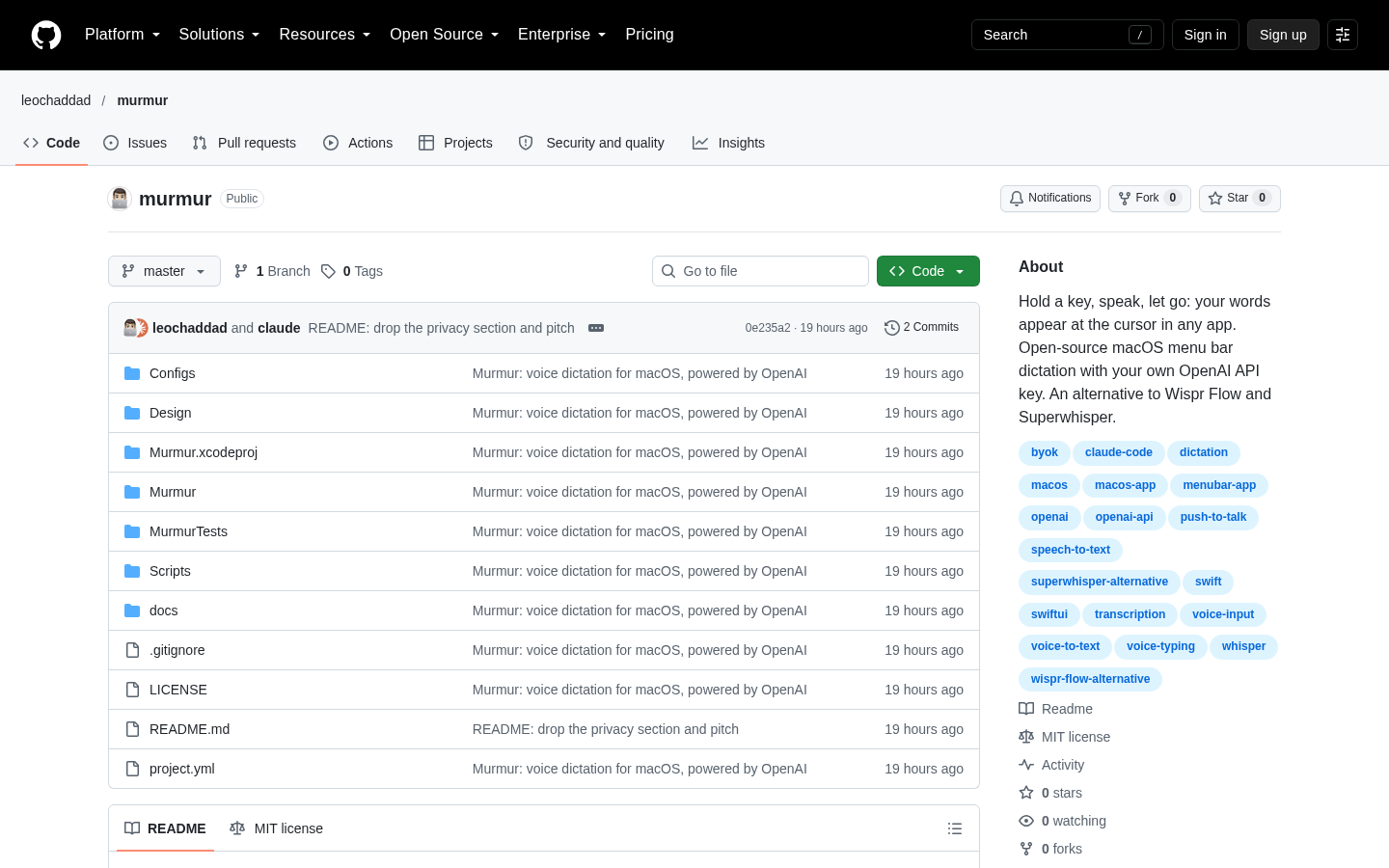
Murmur
Push-to-talk dictation for macOS using your own OpenAI API key
Claude Code
quicklogger is a mobile-first PWA that gives existing LubeLogger users a focused way to record fill-ups from a phone, including offline queuing, odometer assistance, and optional photo OCR.
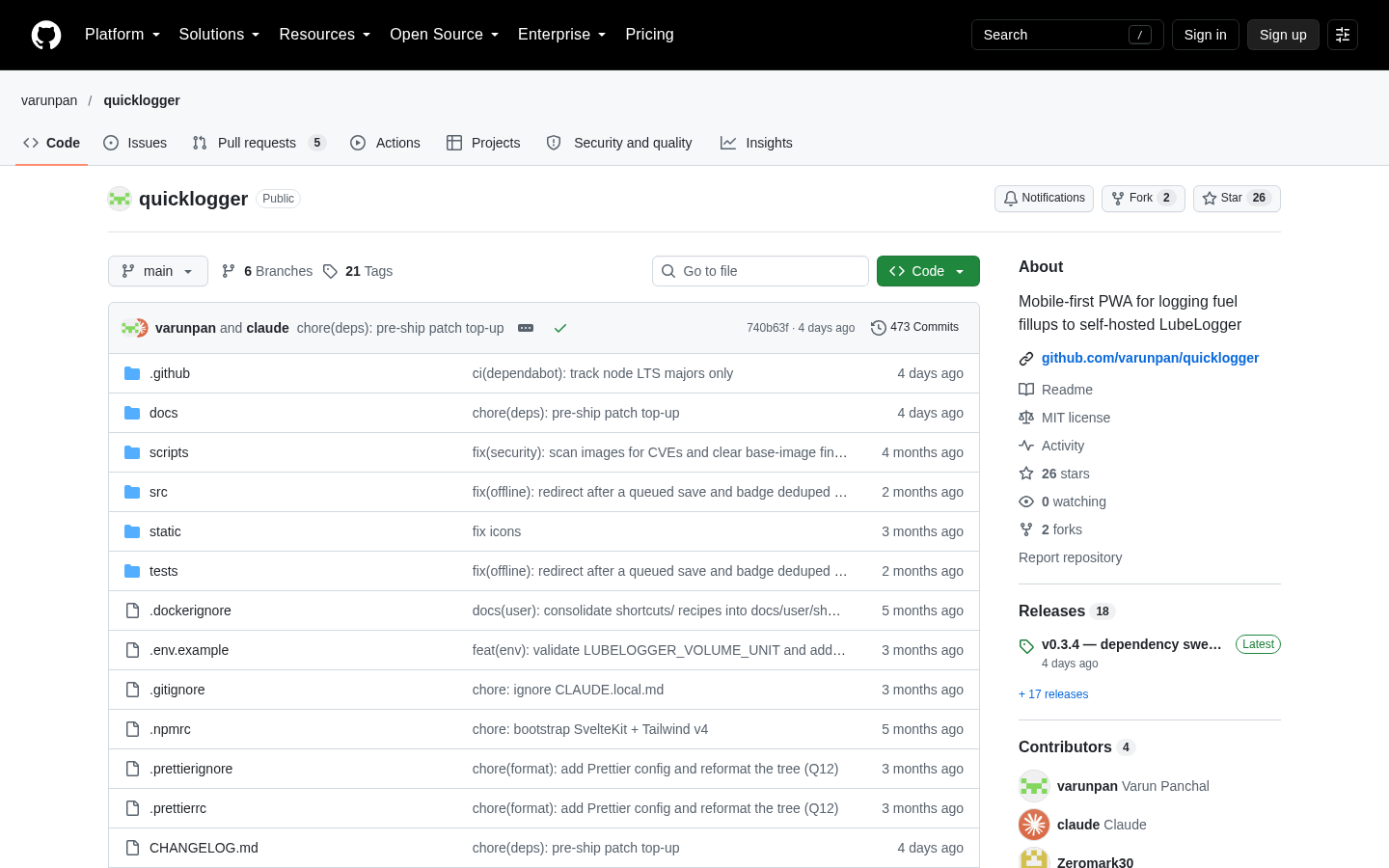
quicklogger is a mobile-first progressive web app for entering fuel fill-ups into an existing self-hosted LubeLogger installation. It is designed for the moment at the pump, where a full vehicle-management interface can be slower to use on a phone. The application presents a focused fuel-entry form rather than replacing LubeLogger’s broader logging and analytics system. The repository describes it as a stable v0.3.4 single-user homelab tool that can be forked and self-hosted. It is therefore best understood as a lightweight front end for a specific LubeLogger setup, not as a hosted consumer fuel-tracking service.
The main Log Fuel page supports vehicle selection, odometer entry, date, fuel volume, cost, fill-to-full status, missed-fillup status, and free-form notes covering items such as station or fuel grade. The app can automatically select the last vehicle, show a read-only strip with the previous fill-up, and prefill the odometer from the previous reading. A configurable quick-increment chip can add a typical distance, such as 300 miles or its kilometre equivalent, to the odometer value. As volume and cost are entered, quicklogger can show a live fuel-economy preview when the available units make that calculation meaningful. Volume and distance follow the LubeLogger instance configuration, while the application can accept supported currencies and convert submissions server-side through its foreign-exchange provider chain.
The application also includes History, Maintenance, Stats, Vehicles, and Settings pages. History is intentionally local to the device: it shows fill-ups recorded through the PWA on that browser, including queued or failed local submissions, rather than reconstructing the complete LubeLogger record. The documentation explicitly warns that entries made through LubeLogger’s own web interface or another device will not appear there. The Maintenance and Stats pages provide access to the corresponding documented application views, while Vehicles and Settings support fleet selection and device-level preferences such as default units, currency, and odometer-prefill behaviour. An iOS Shortcut integration supports voice and deep-link workflows, extending the same logging path beyond manual form entry.
Offline operation is a central part of the product’s practical design. When the device cannot reach the server, the form can save a submission locally and synchronize it when connectivity returns. The service worker can keep the application shell usable during an offline cold start, and locally stored upstream data can preserve the previous-fill context needed for odometer prefill. The interface distinguishes posted, queued, and rejected outcomes. These mechanisms reduce dependence on a live connection at the pump, but they do not turn quicklogger into a complete replicated history system. Failed local entries have no retry, dismiss, or edit controls in the documented version, so the user must decide how to handle the displayed error.
Optional photo OCR can read pump-display or odometer information from a camera image and place the results into a confirmation flow with Use and Discard actions. The feature is disabled unless one of the documented vision-provider configurations is supplied, including local Ollama, OpenRouter, Ollama Cloud, or an OpenAI-compatible endpoint. The implementation validates image types and extracted values, supports provider fallback, applies a per-IP hourly rate limit, and enforces a configurable daily budget. These safeguards are relevant operational constraints: cloud providers may incur usage costs, local inference requires separately managed model infrastructure, and an OCR request is not queued when the network fails. Photo metadata can also prefill the date for older images, while current-day captures leave the date unchanged.
Running quicklogger requires Docker or Docker Compose, a reachable LubeLogger instance, and an Editor-scope LubeLogger API key. The server is configured through environment variables, including the upstream URL, API key, volume and distance units, currency, public origin, and optional OCR settings. The supplied deployment documentation describes a container listening on port 3000, a GHCR image, a health check, and runtime-hardening options such as a read-only root filesystem, dropped Linux capabilities, a process limit, and a memory limit. Plain HTTP can work on a local network, but full phone PWA behaviour and iOS installation require HTTPS and a suitable origin or reverse-proxy configuration. quicklogger’s backend can communicate with LubeLogger over an internal Docker network rather than sending that upstream request over the public internet. The repository states that the code is MIT-licensed and was developed with Claude Code, with human review and decisions retained; neither fact establishes commercial pricing, so pricing is listed as unknown.
| Category | Developer Tools, Experiments |
|---|---|
| Platform | Web |
| Pricing category | Not confirmed |
| Built with | Claude Code |
| Added to VibeAtlas | October 8, 2026 |
The product’s value depends less on breadth than on whether its architecture and workflow match your existing setup.
Sources: [1] github.com[2] github.com
A short hands-on review should focus on integration, pump usability, and recovery behaviour.
Run or identify a LubeLogger instance, create an Editor-scope API key, configure LUBELOGGER_URL and LUBELOGGER_API_KEY, and verify that the vehicle list loads.
Select a vehicle, inspect the previous-fill strip, test odometer prefill and the configurable increment chip, then submit a small test entry with the intended units and currency.
Make the server unreachable, save a fill-up offline, restore connectivity, and observe synchronization and local status handling. Confirm that your expectations do not depend on a complete cross-device History view.
Only test photo OCR if you can provide a documented vision provider. Review confirmation, validation, rate limits, timeout behaviour, and the daily budget before enabling it.
Sources: [1] github.com[2] github.com
The product makes the most sense when its dependency and deployment model are acceptable.
Sources: [1] github.com[2] github.com
Recorded research signals from 2026-10-08. The editorial score is a selection heuristic, not a measured product rating. Counts may change.
quicklogger is a clearly scoped self-hosting project: it reduces the friction of entering a fuel fill-up without attempting to replace LubeLogger’s record system. Its strongest case is a technically comfortable, single-user homelab operator who wants a focused mobile interface and accepts responsibility for Docker deployment, credentials, HTTPS, and upstream availability.
The offline queue, odometer workflow, unit handling, and optional OCR make the implementation more substantial than a simple form wrapper. At the same time, its dependency on LubeLogger and its device-local History materially limit the audience. The careful conclusion is that quicklogger is worth testing as a companion interface, not evaluating as an independent consumer fuel-tracking platform.
No. The supplied documentation describes it as a mobile-first PWA that logs fuel fill-ups to a self-hosted LubeLogger instance. A running LubeLogger deployment and an Editor-scope API key are required.
Read the sourceIt can show locally available previous-fill information, keep odometer prefill working from local data, and save a new submission locally for later synchronization. The local History page still does not represent all LubeLogger history.
Read the sourceNo. It contains fill-ups logged through the PWA on that device. Entries made through LubeLogger’s web interface or another device do not appear there; the documentation directs users to LubeLogger for complete vehicle history.
Read the sourceThe documented prerequisites are Docker, a running LubeLogger instance with an Editor-scope API key, and a way to expose HTTPS to the phone for full PWA installation and behaviour. The service listens on port 3000 by default and requires a correctly configured origin for submissions.
Read the sourceThe feature is optional and remains unavailable unless at least one documented vision-provider configuration is supplied. Available provider slots include local or cloud Ollama, OpenRouter, and an OpenAI-compatible endpoint. The documentation also describes rate limits, a daily budget, validation, and user confirmation.
Read the sourceThe supplied material does not establish a commercial pricing model. The repository states that it is public and can be forked and self-hosted, and it identifies an MIT license, but those facts do not establish hosted pricing or operating costs.
Read the sourceSources: [1] github.com[2] github.com
Editorial updated: October 8, 2026. Features, prices and repository counts can change. Evaluation advice is editorial interpretation, not a claim of hands-on testing.