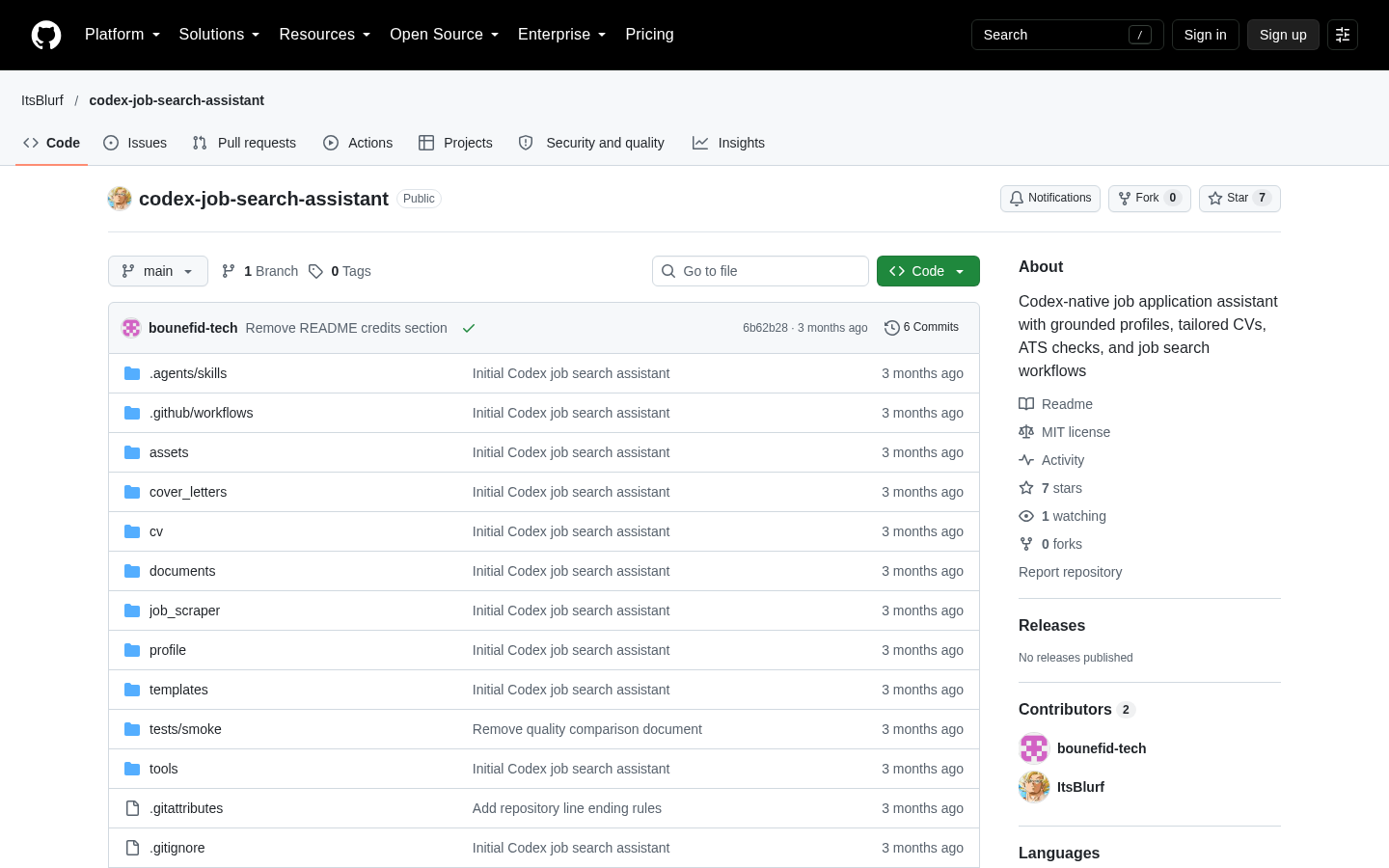
Codex Job Search Assistant
A Codex-native workspace for evidence-grounded job applications
Codex
Murmur turns a configurable push-to-talk shortcut into text at the active cursor, using the user’s own OpenAI API key. It is source-built, cloud-dependent, and designed for people comfortable managing Xcode, permissions, and separate API billing.
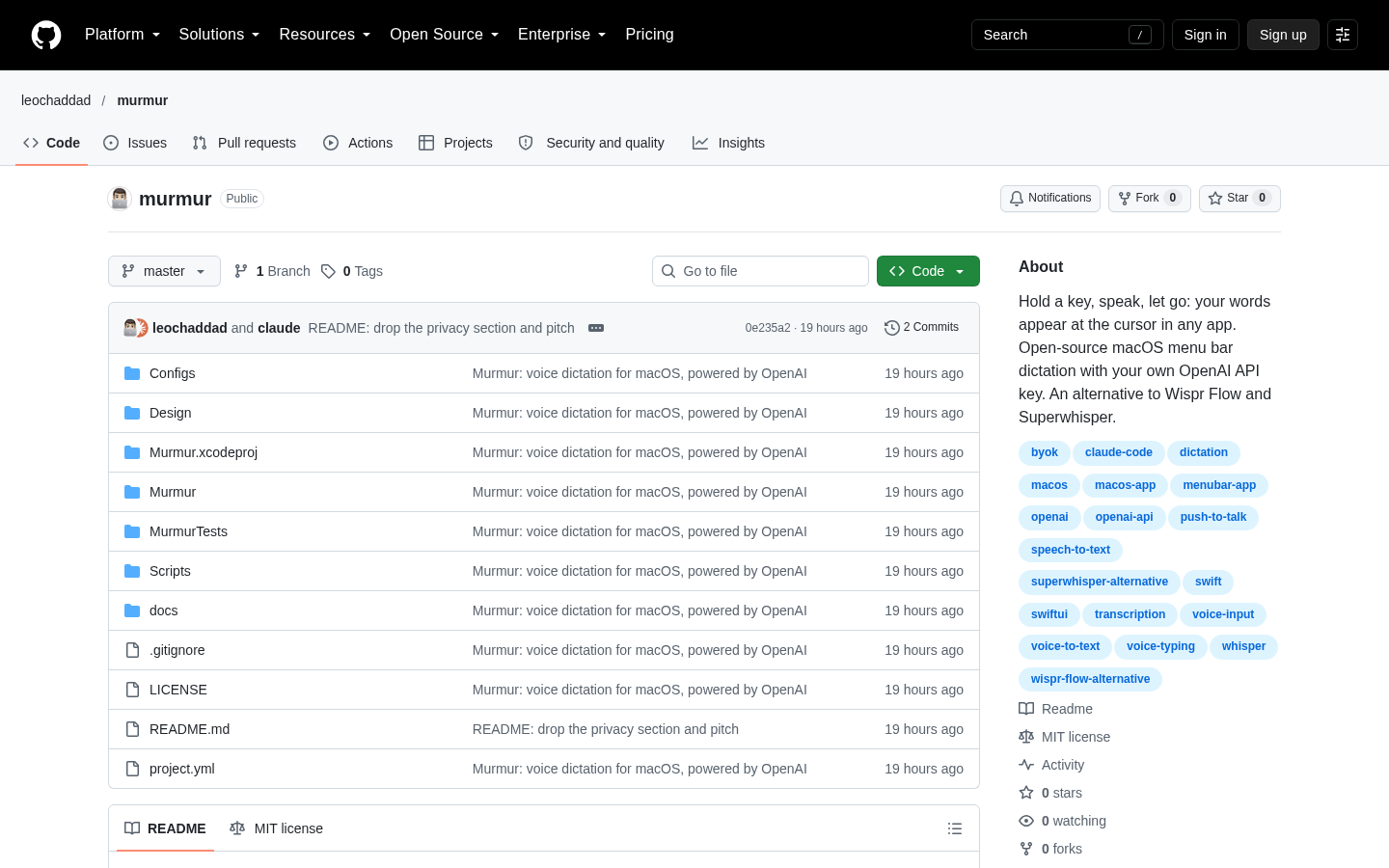
Murmur is an open-source macOS menu-bar application for push-to-talk voice dictation. The basic interaction is direct: hold a configured key, speak, and release it to send the recording for transcription. Murmur then pastes the resulting text at the active cursor. Its repository documents use across terminals, code editors, browsers, messaging applications, Notes, and other text fields. Terminal insertion is handled as a single bracketed paste, which is intended to prevent a multi-line dictation from being executed one line at a time. Users can also configure tap-to-toggle recording and press Escape to cancel an active dictation.
The application sends recorded audio directly from the Mac to OpenAI and requires the user to supply an OpenAI API key. According to the project documentation, Murmur has no user account, subscription, or intermediary Murmur server. OpenAI API usage is billed separately from a ChatGPT subscription, so users need an API account with available credit or a payment method. The repository estimates transcription at approximately $0.27 per hour of speech, while the creator reported a typical personal daily spend of about $0.15 in the Show HN post. These figures are author-provided estimates rather than independently verified usage benchmarks, and actual costs can vary with usage and the OpenAI services selected.
Murmur includes several controls for people who dictate frequently. A shortcut can use a key combination or, with the necessary macOS permission, a single key such as Fn or Right Option. Recording begins when the shortcut is pressed, and users can begin another dictation while an earlier recording is still being transcribed. The project says completed results are inserted in spoken order. Failed transcription attempts retain their recordings and can be retried. Automatic language detection supports multilingual speech and switching languages within a sentence, while a custom vocabulary can help with names, jargon, and product-specific terms.
Modes extend Murmur beyond literal speech-to-text. Each Mode contains instructions for an OpenAI model to transform a transcript before insertion. Documented examples include translating speech into English, removing filler words, producing bullet points, or turning spoken content into a commit message. Modes can have their own shortcuts, allowing different transformations to be selected without repeatedly entering the same prompt. This processing remains cloud-based. Murmur does not provide local speech recognition, and its repository explicitly directs people who require entirely on-device transcription toward other projects.
Installation is more involved than installing a conventional signed Mac application. Murmur does not currently offer a prebuilt download, so users need macOS 14 Sonoma or later, full Xcode 16 or later, Git, and the ability to run the supplied build script. The documented process clones the repository, runs Scripts/build.sh --install, copies the resulting application into /Applications, and opens it. Initial setup requires Microphone permission, Accessibility permission so Murmur can paste into other applications, and an OpenAI API key stored through the application’s settings. The repository states that Accessibility access is used for insertion and that Murmur does not read the screen or keystrokes.
There are operational limitations to weigh before adopting it. Default ad-hoc signing may cause macOS to treat an updated build as a new application, requiring Microphone and Accessibility permissions to be granted again. Signing with an Apple Development certificate can avoid that repeated permission process, but it introduces another setup step. Single-key shortcuts do not work while a password field is focused, and macOS 15 restricts some shortcuts that use only Option or Option-Shift modifiers. Editorially, Murmur is best evaluated as a source-built utility for technically comfortable Mac users who value a transparent bring-your-own-key architecture. It is less suitable for people seeking a packaged download, offline transcription, mobile or Windows support, or a product that abstracts away API billing and macOS security permissions.
| Category | AI Products, Developer Tools, Experiments |
|---|---|
| Platform | Desktop |
| Pricing category | Open source |
| Built with | Claude Code |
| Added to VibeAtlas | October 24, 2026 |
The main decision is not simply whether voice dictation is useful, but whether Murmur’s architecture and setup match the user’s preferred trade-offs.
A useful evaluation should cover both dictation quality and the operational burden of maintaining a source-built Mac application.
Verify that the Mac runs macOS 14 or later and has full Xcode 16 or later. Command Line Tools alone are not sufficient according to the installation instructions.
Clone the repository, run Scripts/build.sh --install, then grant Microphone and Accessibility access. Add an OpenAI API key through Murmur’s settings rather than placing it in a coding-agent conversation.
Try short and multi-line dictation in the terminal, editor, browser, or messaging tools used every day. Check shortcut behavior, insertion position, cancellation, and retry handling.
Create a Mode for a repeatable transformation such as English translation or bullet formatting, then decide whether cloud processing, API costs, and possible permission resets after ad-hoc-signed updates are acceptable.
Sources: [1] github.com
Recorded research signals from 2026-10-23. The editorial score is a selection heuristic, not a measured product rating. Counts may change.
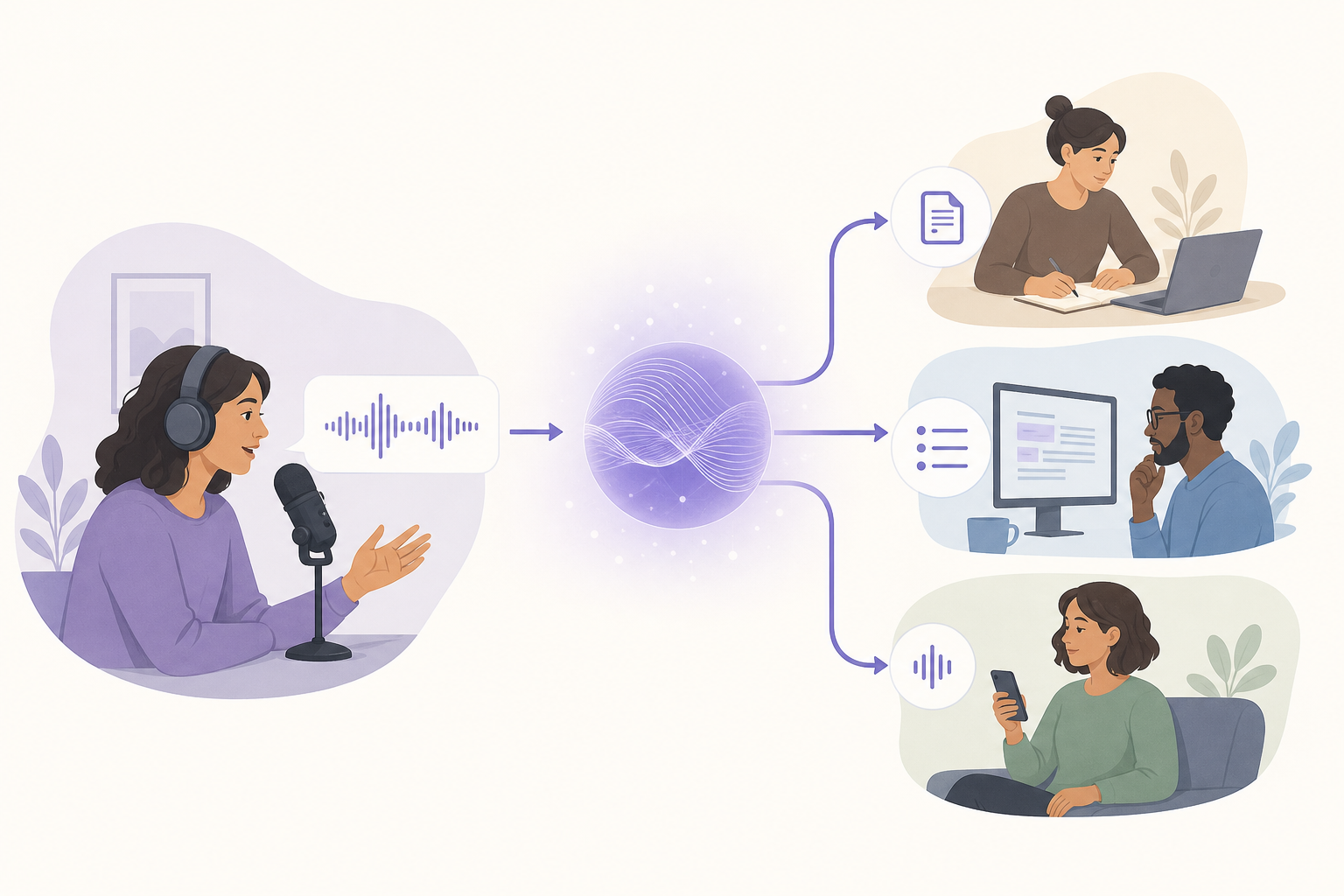
Murmur documents a focused workflow: record from a shortcut, transcribe through OpenAI, optionally transform the transcript with a Mode, and paste it into the current application. Its repository is unusually explicit about permissions, API billing, signing behavior, installation requirements, and the absence of local transcription.
The trade-off is that users assume responsibilities normally handled by a packaged commercial product. They must build the application, manage an OpenAI API key, approve macOS permissions, and potentially restore those permissions after updates. For users who accept those constraints, Murmur offers an inspectable, MIT-licensed approach to cross-application dictation. For everyone else, the lack of a signed release and offline engine remains a material limitation.
Sources: [1] github.com[2] news.ycombinator.com[3] github.com
The supplied documentation establishes macOS 14 Sonoma or later and full Xcode 16 or later as requirements. It does not provide a detailed list of supported Mac models or minimum memory and storage requirements.
Read the sourceThe project states that audio goes directly from the Mac to OpenAI using the user’s API key, with no Murmur account, subscription, or intermediary Murmur server. Transcription is still cloud-based rather than local.
Read the sourceNo. Users must create and fund their own OpenAI API key. API billing is separate from a ChatGPT subscription. The repository gives a transcription-cost estimate, but actual costs depend on usage and are not independently verified here.
Read the sourceNot according to the supplied repository documentation. Murmur currently needs to be built from source with Xcode and the provided installation script. No date for a prebuilt signed release is supplied.
Read the sourceModes send the transcript through an OpenAI model with reusable instructions before insertion. Documented examples include translating into English, removing filler words, creating bullet points, and producing a commit message.
Read the sourceA separate public repository from the same development context states that Murmur was built with Claude Code in a day and received about 60 commits during its first four days. It does not establish that every part of the codebase was generated by Claude Code.
Read the sourceSources: [1] github.com[2] github.com[3] news.ycombinator.com
Editorial updated: October 24, 2026. Features, prices and repository counts can change. Evaluation advice is editorial interpretation, not a claim of hands-on testing.