Work through the repository
Trace a bug through related files, make coordinated changes, and run project commands within the same task.
Work from the terminal
Turn repository context into action.
Claude Code works through a codebase with file and command tools. Project instructions, skills, and hooks help adapt its work to an existing engineering process.
Meet the tool
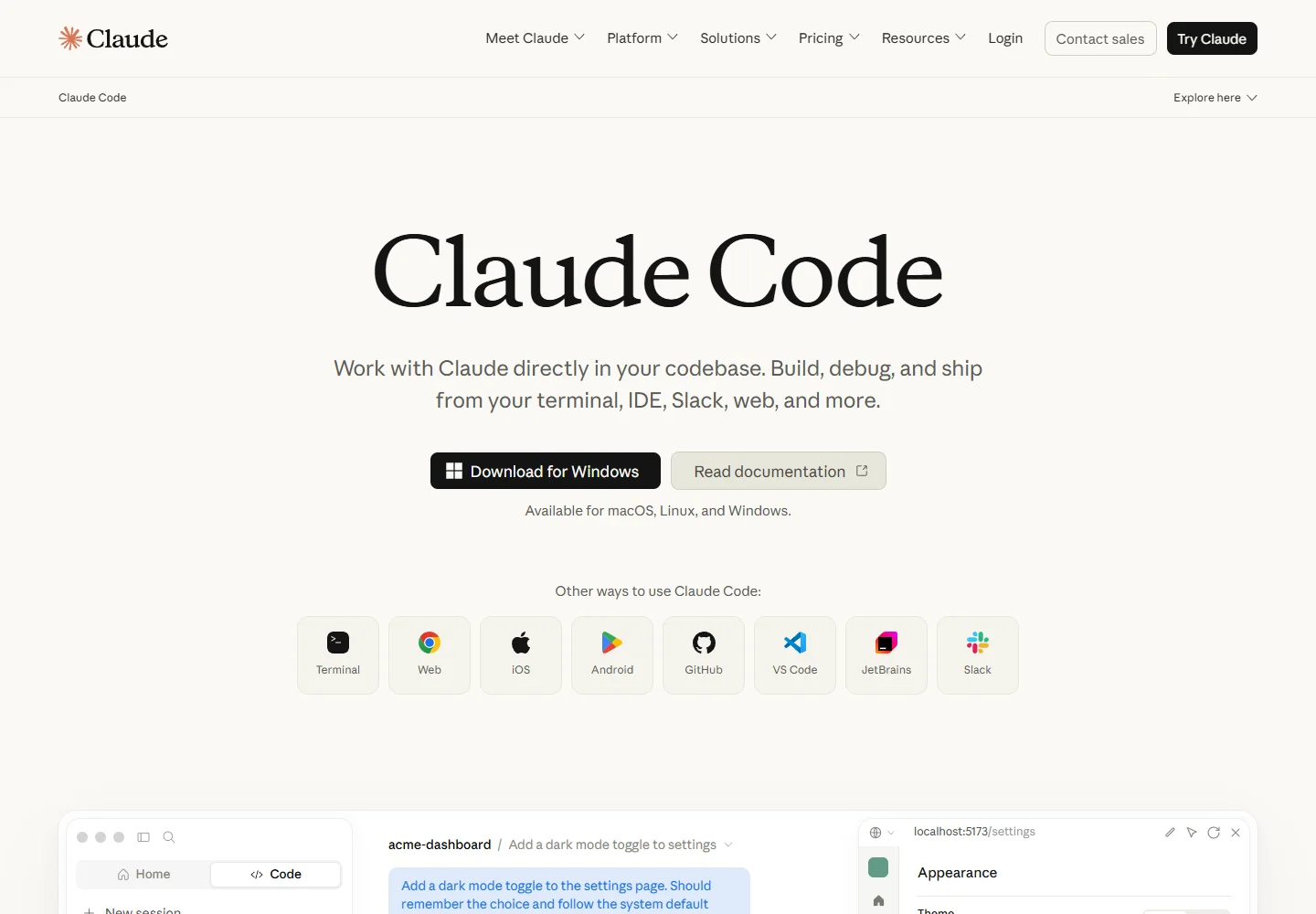
Start from a repository and give Claude Code a concrete task or failing behavior. It can investigate the relevant files, coordinate edits, and use your development commands to check the result.
The terminal is a central interface, with IDE, desktop, and web options also available. Its extension system separates persistent project guidance, reusable procedures, and connections to external tools.
| Aspect | What to expect | Evidence |
|---|---|---|
| Interfaces | Terminal, IDE, desktop, and browser | Official guide ↗ |
| Core tools | Read code, edit files, and run project commands | Official guide ↗ |
| Customization | CLAUDE.md, skills, hooks, and MCP | Official guide ↗ |
What it helps you do
Trace a bug through related files, make coordinated changes, and run project commands within the same task.
CLAUDE.md provides recurring project instructions. Skills package procedures that can be reused when the relevant work comes up.
Connect external tools through MCP and use hooks for actions tied to lifecycle events, such as formatting after an edit.
Inside the workflow
A closer look from the official resources. Open the image to inspect it at full size.
Start here
Open the project and record its build commands and conventions in CLAUDE.md before assigning a specific change.
Provide the bug, affected behavior, or feature requirement. Ask Claude Code to investigate and implement a scoped change.
Review the diff and test output. Move a useful repeatable procedure into a skill for the next task.
VibeAtlas editorial guidance
A suggested evaluation, based on the documented workflow.
Choose a failing test or a small behavior defect in an existing repository. Provide the reproduction steps and expected outcome, then let Claude Code investigate the related files. Review the explanation alongside the actual diff, and check that the project's verification commands ran successfully.
A useful team trial includes repository instructions and one recurring procedure. Keep those instructions concise enough to maintain, and verify that the agent can use the same tools your developers rely on.
Questions before you start
No. The official overview lists terminal, IDE, desktop, and browser interfaces. Choose the surface that fits your working environment, then check its setup and account requirements rather than assuming every interface has identical capabilities.
Read the official explanationClaude Code can execute development commands as part of a task. Whether a test can run depends on the environment's installed tools, dependencies, configuration, and permissions. Read the command result before treating an implementation as verified.
Read the official explanationCLAUDE.md provides persistent project guidance. Use skills for reusable procedures and hooks for actions tied to specific lifecycle events. The extension overview explains the different roles so a repository can avoid repeating every instruction in each prompt.
Read the official explanationMCP integrations connect it to additional tools and context. Configure the integrations required for the task and understand their permissions. Access to a tool still depends on its actual configuration and the credentials available to the environment.
Read the official explanationMade with this tool
These projects are part of the current public VibeAtlas collection.
Resources
Summarized from these official resources. Check the website for current features and plans.
Guide updated
Explore more tools