Work with the actual project
The CLI can read files, edit code, and run local commands, keeping implementation and verification in the same task.
Tasks through to review
From a task to a reviewable change.
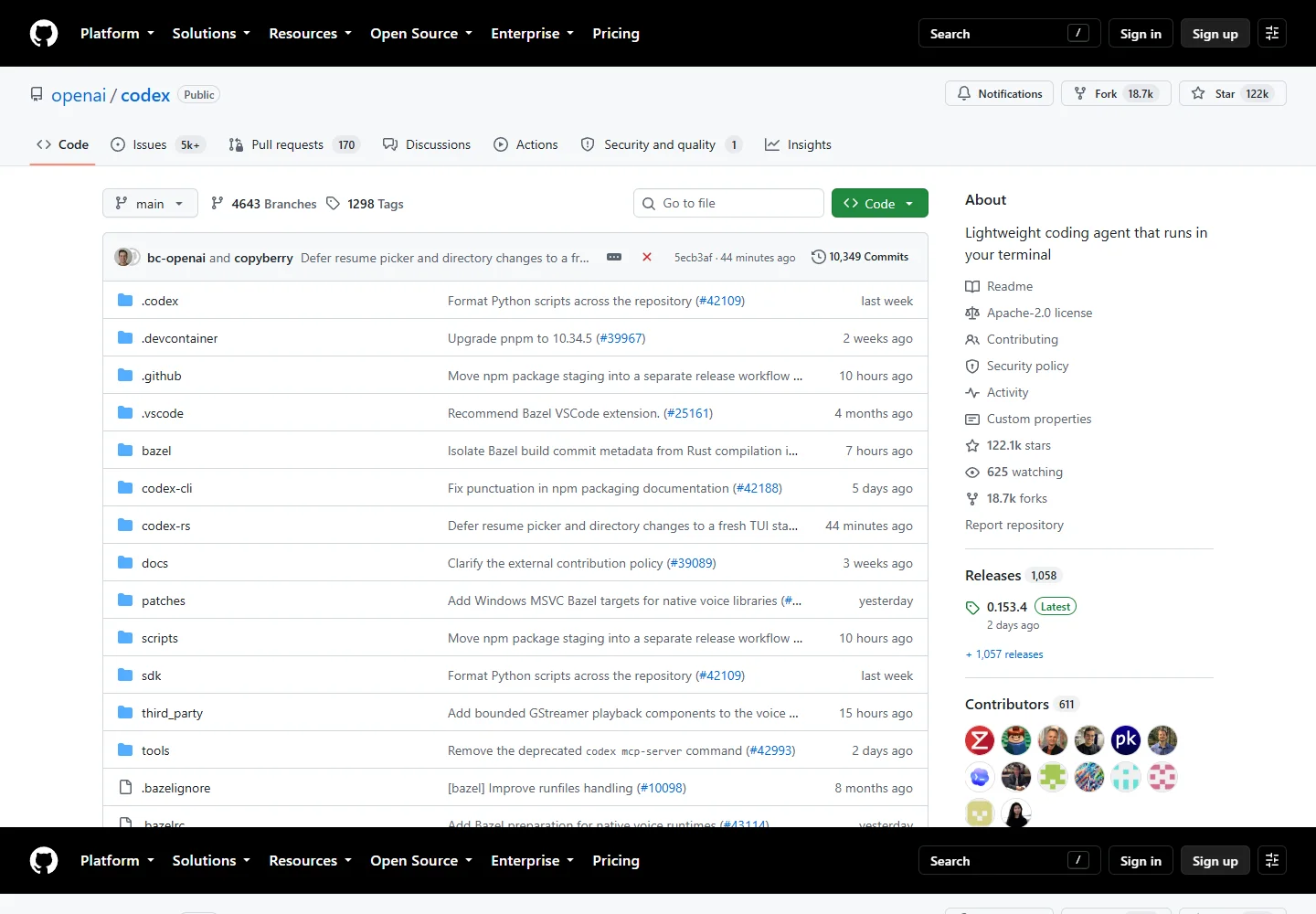
Codex can inspect a repository, edit code, and run development tools. Local worktrees and cloud environments give separate tasks room to progress in parallel.
Meet the tool
Use Codex for a concrete engineering outcome: trace an unfamiliar module, implement a feature, or investigate a failing check. The CLI works with local files and the tools installed on your machine.
Independent tasks can use Git worktrees, while cloud tasks run in configured environments. Review the resulting diff and checks, then request a follow-up or move the work into your normal delivery process.
| Aspect | What to expect | Evidence |
|---|---|---|
| Local work | Inspect, edit, and run code using Codex CLI | Official guide ↗ |
| Cloud work | Coding tasks in configured, isolated environments | Official guide ↗ |
| Project guidance | Repository instructions in AGENTS.md | Official guide ↗ |
What it helps you do
The CLI can read files, edit code, and run local commands, keeping implementation and verification in the same task.
Git worktrees provide separate working copies for independent tasks, so each can develop without editing the same files.
Ask for a review of a branch or uncommitted changes. Codex returns prioritized findings without changing the working tree.
Inside the workflow
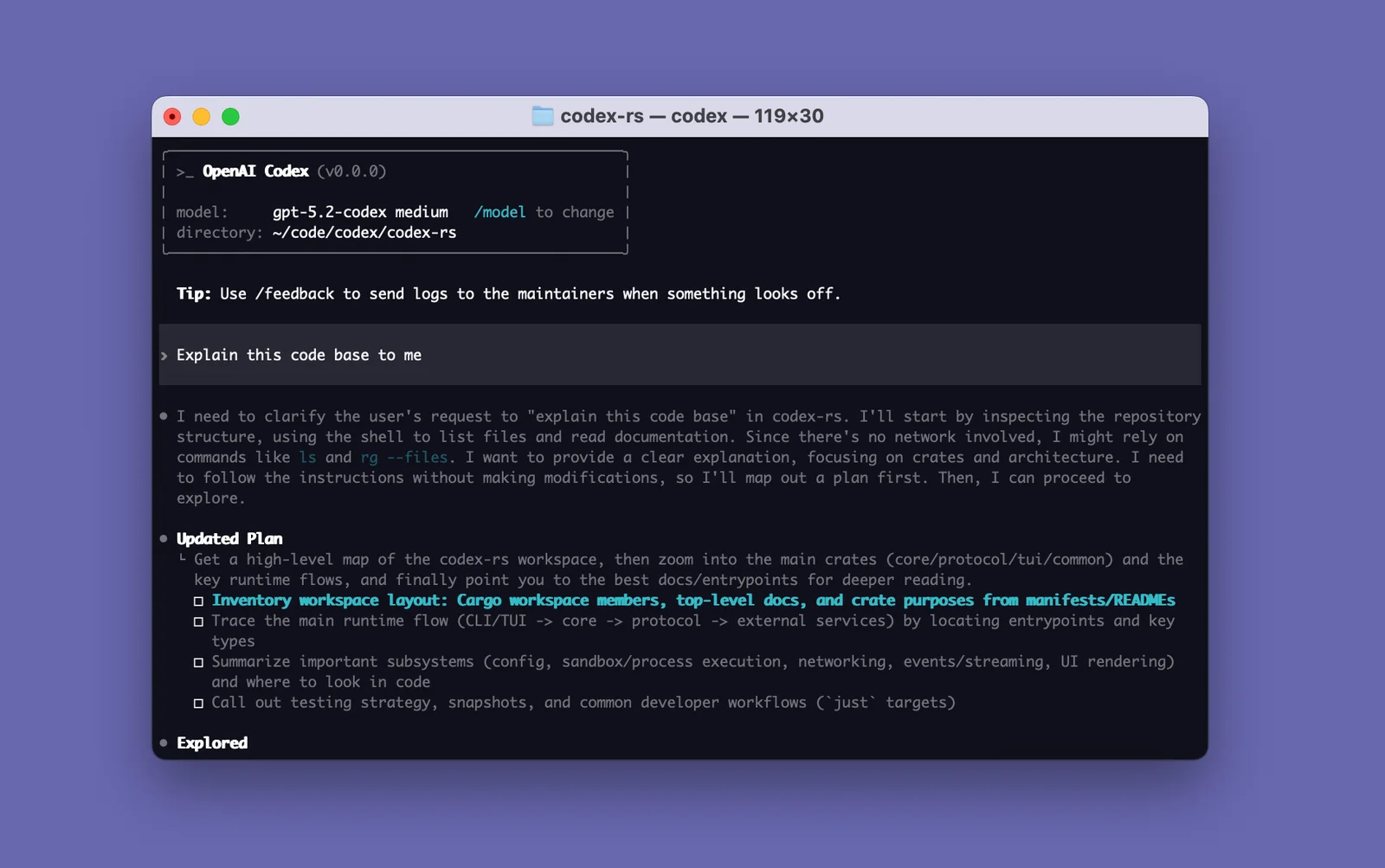
A closer look from the official resources. Open the image to inspect it at full size.
Start here
Choose the project and describe the expected behavior. Put repository conventions and commands in AGENTS.md.
Use the local project for installed tools, a worktree for an independent change, or a configured cloud environment.
Read the diff and check output, ask for follow-up changes, and run a focused review before handing off the result.
VibeAtlas editorial guidance
A suggested evaluation, based on the documented workflow.
Try a small feature with an explicit acceptance condition, such as exporting a filtered table to CSV. Give Codex the relevant project and ask it to implement and verify the behavior. Read the diff and reported checks, then use a follow-up to resolve any edge cases.
When comparing local and cloud work, include environment setup in the evaluation. A cloud task needs its own dependencies and configuration; a successful local command does not establish that the cloud environment can run it.
Questions before you start
The CLI can inspect files, make edits, and run tools installed on the local machine. It supports interactive work and repeatable command-line workflows. Describe an observable result and review both the changes and the commands used to check them.
Read the official explanationCloud tasks run in dedicated environments configured for a connected repository. Dependencies, tools, variables, and setup steps must be available there. Local files and installed programs are not automatically transferred into the cloud environment.
Read the official explanationGit worktrees give tasks separate working directories within a repository. They are useful for independent changes, but each checkout still needs the setup required by the project. Review and integrate the changes through your normal Git workflow.
Read the official explanationUse AGENTS.md to record conventions, useful commands, and repository-specific guidance. Keep the file accurate as the project evolves. Instructions supply context; the final diff and verification results remain the evidence for whether a task succeeded.
Read the official explanationMade with this tool
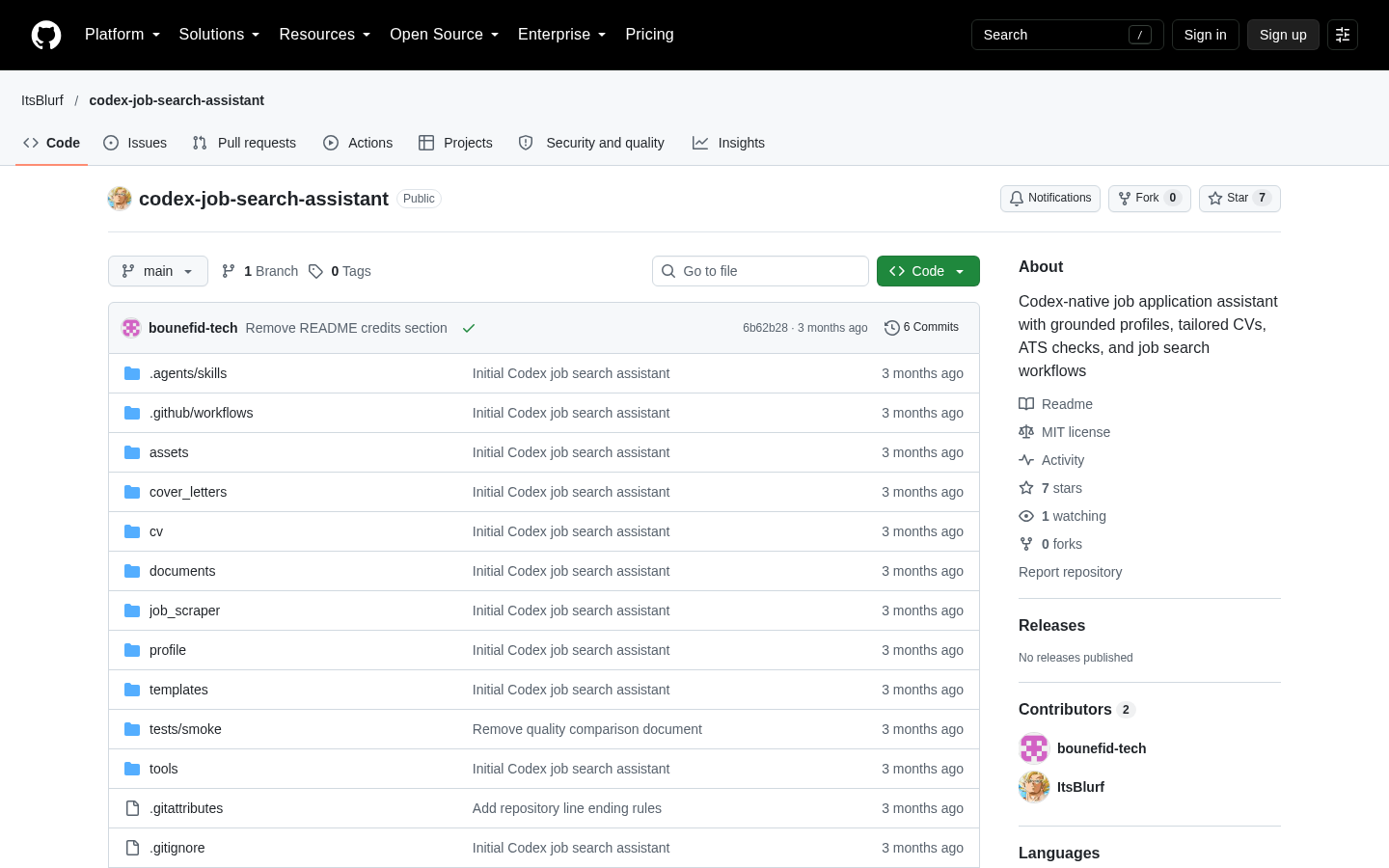
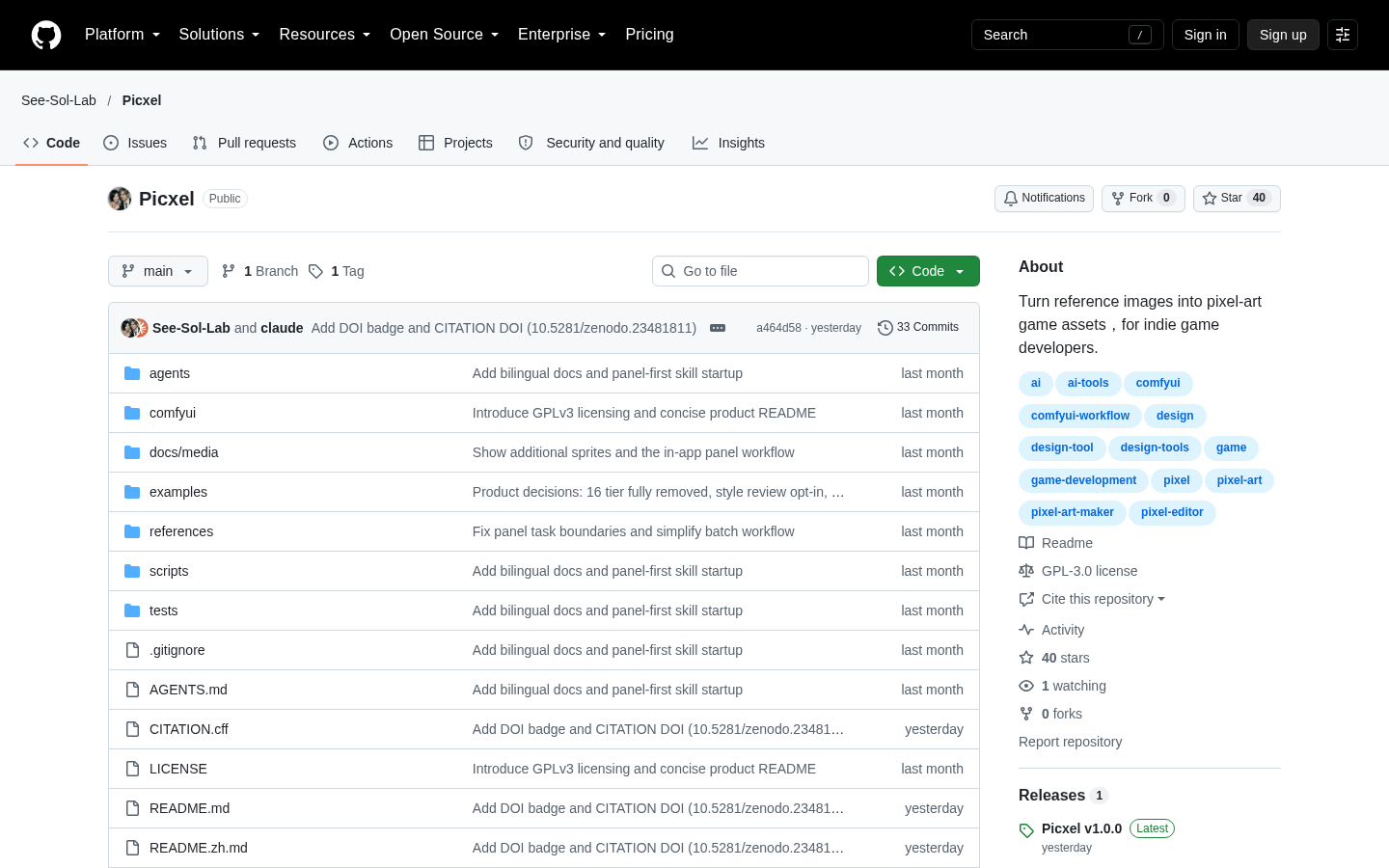
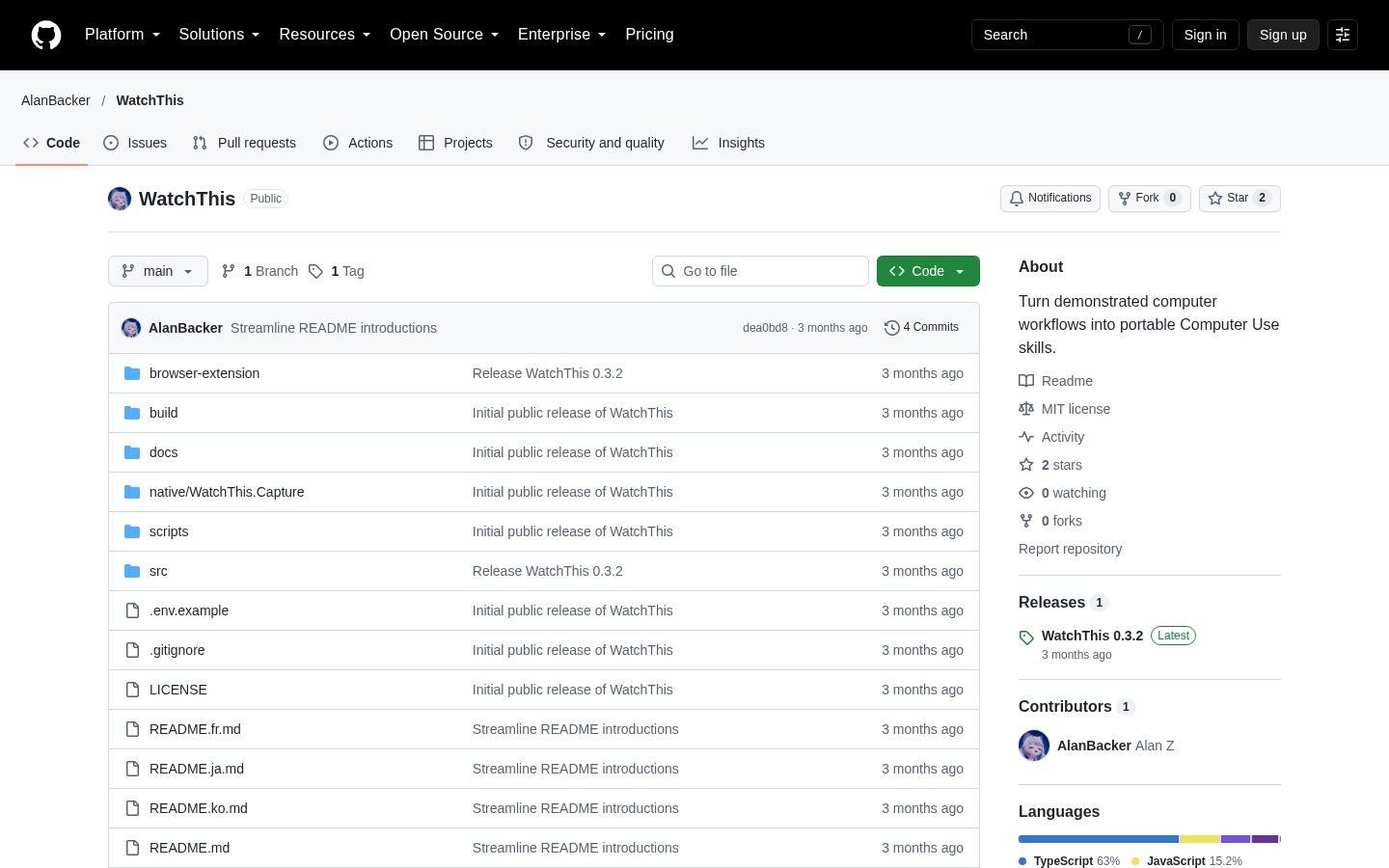
These projects are part of the current public VibeAtlas collection.
Resources
Summarized from these official resources. Check the website for current features and plans.
Guide updated
Explore more tools