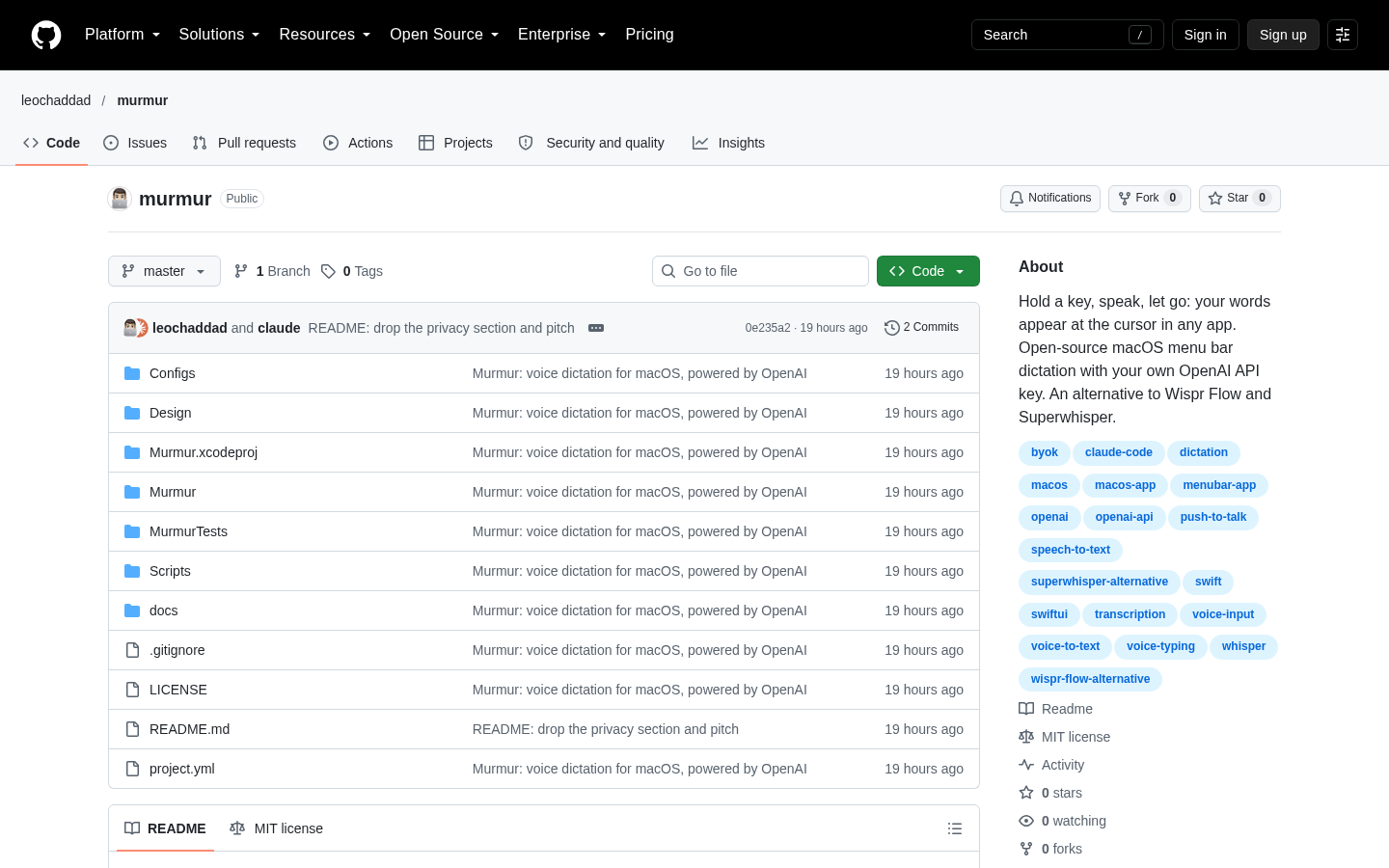
Murmur
Push-to-talk dictation for macOS using your own OpenAI API key
Claude Code
Picxel combines assistant-directed image redrawing with local palette and grid processing to produce transparent 32×32, 64×64 and 128×128 pixel-art PNGs.
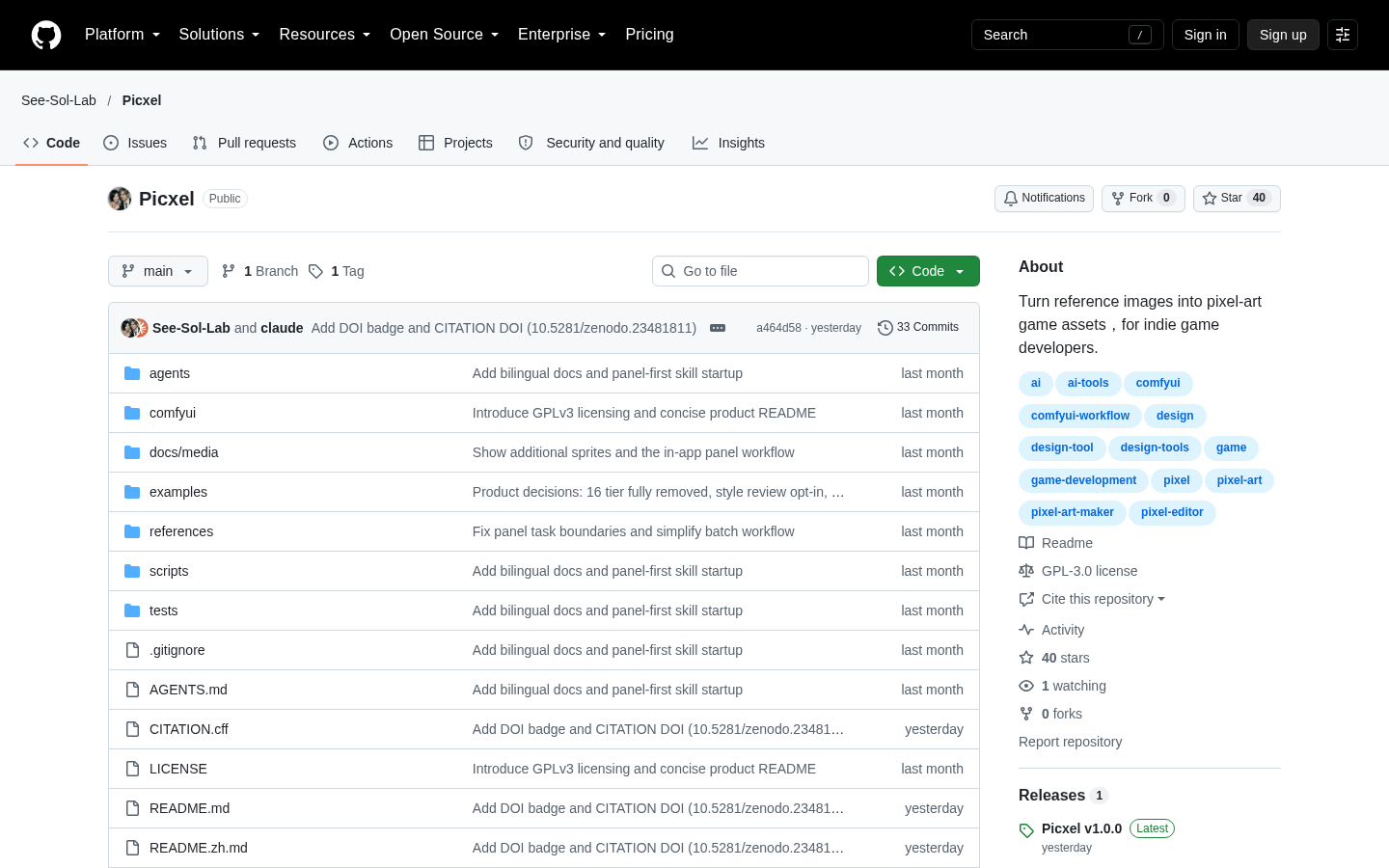
Picxel is an open-source workflow for converting reference images into recognizable pixel-art game assets. It is aimed primarily at indie game developers who need transparent, grid-aligned sprites derived from existing visual references. Rather than serving as a standalone image editor or hosted generation service, Picxel operates through a Codex session equipped with image-generation tools. GPT interprets the subject and directs a redraw, while local image-processing algorithms convert that result into a constrained pixel grid. The repository states that the project was developed and tested primarily with GPT in Codex.
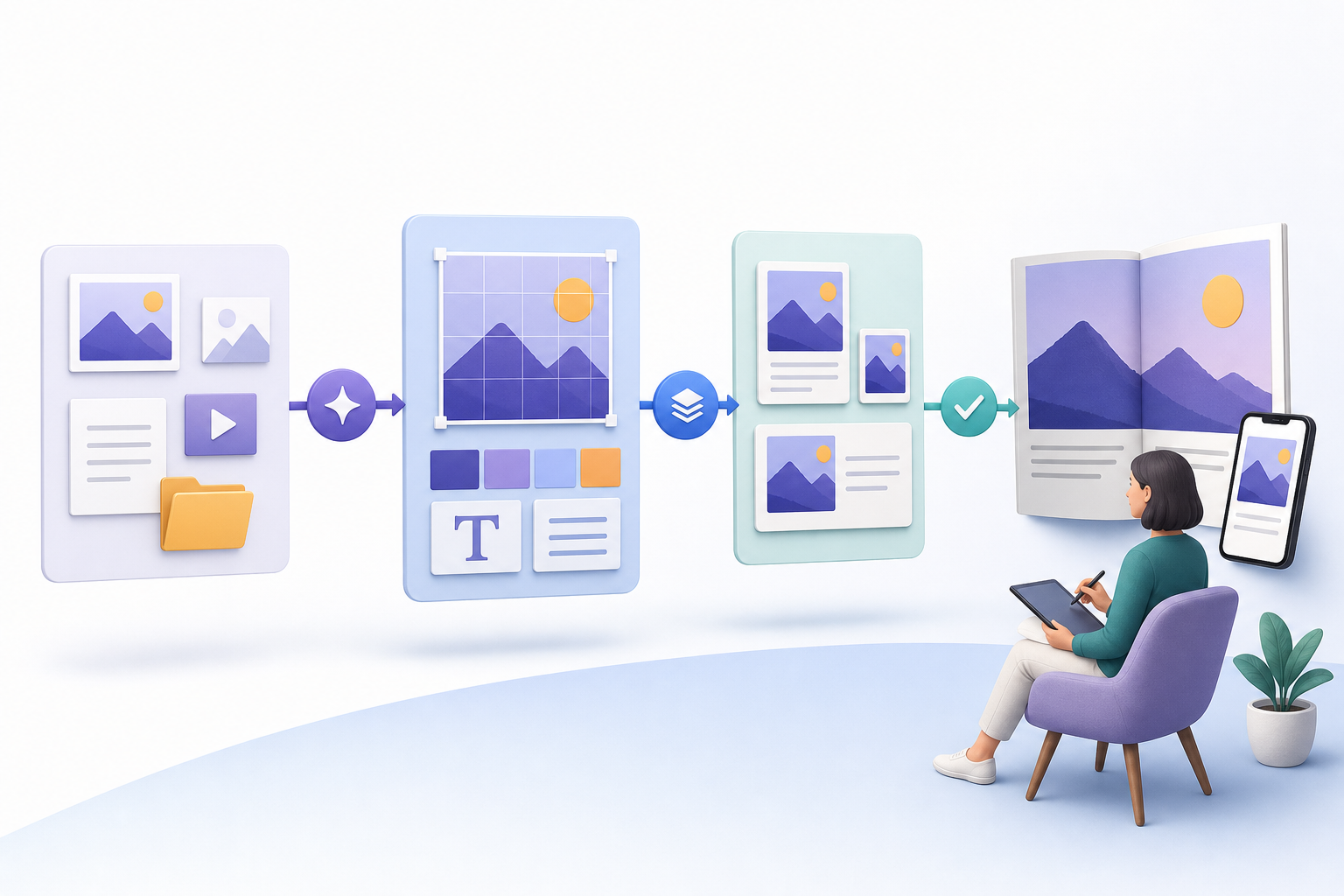
The workflow starts with one or more reference images. Picxel prepares a short keep/drop plan intended to preserve identity, pose and important details while reducing distracting texture. An image-generation tool then redraws the subject, after which local processing handles background removal, palette selection and pixel conversion. Palette selection compares perceived color differences in Oklab and gives greater weight to important regions. During conversion, similar shades vote together within grid cells, while transparent coverage is counted separately to reduce broken silhouettes and color noise.
Outputs are transparent PNG files at 32×32, 64×64 or 128×128 pixels, with a limit of up to 16 colors per sprite. A single concept and palette can be reused across all requested sizes. Users can process one image with a reveal preview or run a batch containing up to 20 images from one source folder. The local browser panel is available in English and Chinese, and it lets users select images, an output folder and target sizes. Finished concepts and PNGs can then be opened from the panel. The repository also documents optional ComfyUI import and export nodes, but these are supplementary rather than the core operating path.
Picxel requires Python 3.10 or later and a Codex session that has image-generation tools. It uses the tools and quota attached to that session, so no separate API key is required by Picxel itself. Installation is initiated by asking Codex to install the repository and follow its SKILL.md instructions. After setup, users can ask the installed Picxel skill to transform references into sprites and then confirm settings in the panel. If a newly installed skill does not appear, the repository advises restarting the Codex session. Merely downloading the files does not start an idle assistant; setup or an asset request must activate the workflow.
There are important creative and operational limits. Face interpretation is based on the assistant’s visual judgment rather than an automatic face detector, and experimental grid-alignment options are not enabled. The workflow can inspect gaze and expression and apply constrained eye or mouth patches when needed, but the user remains responsible for deciding whether the result fits the game. Supplied evidence demonstrates individual assets and a small batch, not consistent character animation, walk cycles or complete sprite sheets. A Hacker News commenter specifically questioned cross-asset style consistency at small sizes; that comment is user opinion rather than a documented product test, but it identifies a sensible evaluation concern.
Project code is licensed under GPL-3.0-only. The repository clarifies that generated images do not become GPL-covered solely because Picxel was used to create them. However, commercial rights still depend on the rights attached to source images and on the terms of the image provider used through Codex. Editorially, Picxel is best evaluated as a guided production workflow for isolated, palette-limited game assets—not as a replacement for a pixel-art editor or an established animation pipeline. Prospective users should test their own references at the intended in-game resolution, compare multiple outputs for stylistic consistency and confirm that the underlying input and provider terms permit the planned use.
| Category | AI Products, Developer Tools |
|---|---|
| Platform | Web |
| Pricing category | Open source |
| Built with | Codex |
| Added to VibeAtlas | October 20, 2026 |
These three lenses cover the workflow’s most consequential creative and technical trade-offs.
A short trial should focus on production fit rather than relying only on the repository examples.
Verify access to a Codex session with image-generation tools and install Python 3.10 or later. Account for the fact that generation consumes the session’s available tool quota.
Ask Codex to install Picxel from its repository and follow SKILL.md. If the installed skill is not discovered, restart the Codex session as directed by the project documentation.
Choose references that resemble the subjects, poses and visual complexity required by the game. Select an output folder and test the actual target sizes rather than judging only the larger concept image.
Inspect silhouettes, transparency, important details, faces and palette choices. For a batch, compare whether separate assets feel consistent enough to share a game scene.
Confirm the rights to every reference and review the image provider’s terms for the intended commercial or non-commercial use. Picxel’s GPL license does not by itself determine rights to generated images.
Recorded research signals from 2026-10-20. The editorial score is a selection heuristic, not a measured product rating. Counts may change.
Picxel documents more than a generic image-generation prompt: it coordinates reference analysis, redrawing, background handling, palette selection, grid conversion and targeted cleanup. Its fixed output dimensions, transparency support, batch limit and local panel give prospective users a concrete workflow to evaluate.
Its usefulness still depends on the quality and consistency of assistant interpretation, access to Codex image tools and the suitability of three fixed sprite sizes. The supplied material does not independently validate output quality or establish support for animation production. The careful recommendation is to trial Picxel on a small, representative asset set and retain human art direction before incorporating it into a broader game pipeline.
No standalone operating mode is documented. The repository requires a Codex session with image-generation tools and Python 3.10+, and describes a local browser panel used alongside that session.
Read the sourceThe documented exports are transparent PNGs at 32×32, 64×64 or 128×128 pixels, with up to 16 colors per sprite.
Read the sourceYes. The project documents batches of up to 20 images from one source folder, as well as a single-image reveal preview.
Read the sourceThe repository says no separate API key is required. Picxel instead uses the image-generation tools and quota available in the active Codex session.
Read the sourceThe supplied documentation does not establish support for walk cycles or complete animated sprite sheets. It documents individual sprites and batches of reference images.
Read the sourceThe project code is GPL-3.0-only, but the repository says generated images do not become GPL-covered merely through use of Picxel. Rights still depend on the source inputs and the image provider’s terms.
Read the sourceEditorial updated: October 20, 2026. Features, prices and repository counts can change. Evaluation advice is editorial interpretation, not a claim of hands-on testing.