Murmur
Push-to-talk dictation for macOS using your own OpenAI API key
Claude Code
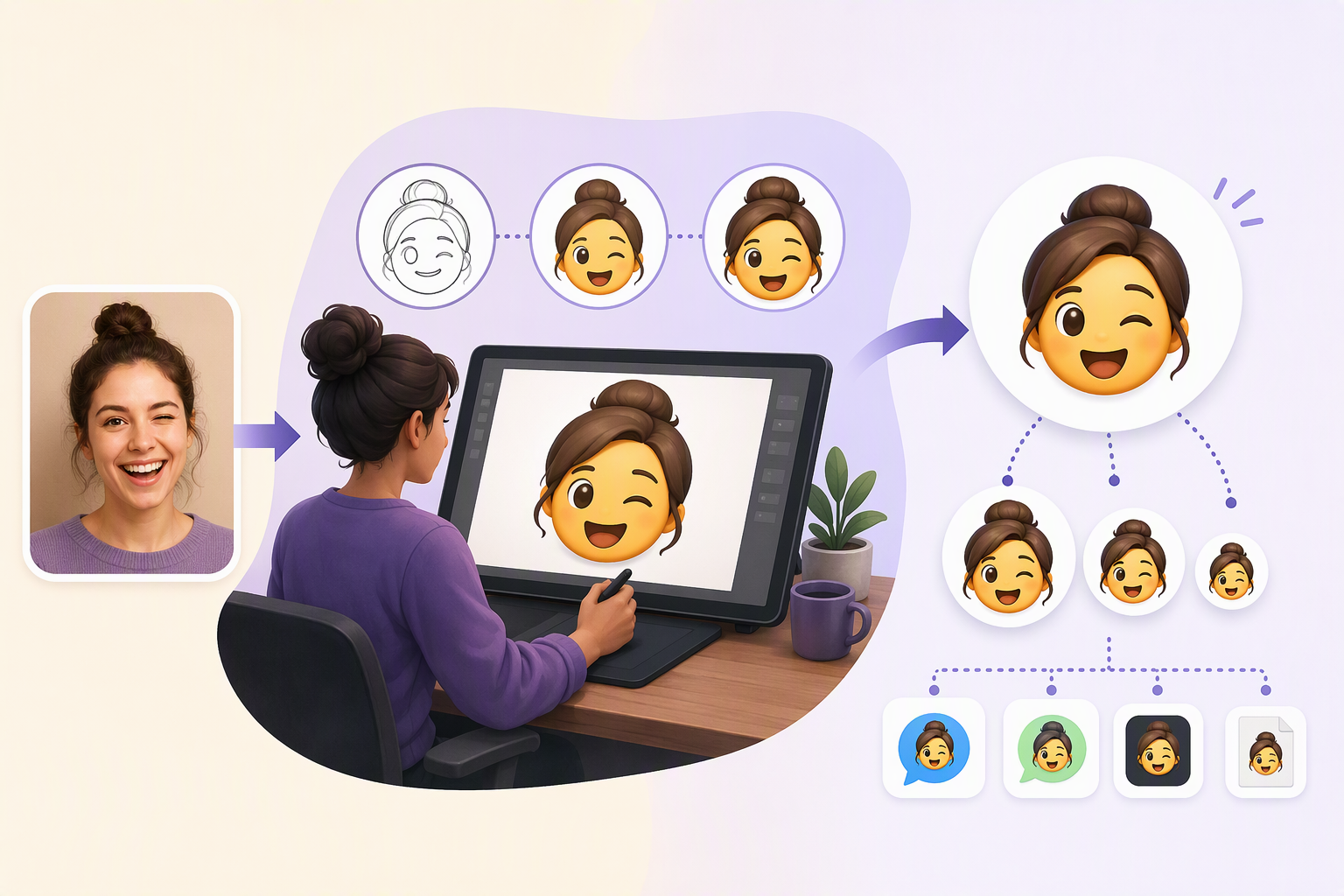
MyEmojiMaker lets users turn PNG, JPG, GIF, or text inputs into downloadable custom emoji using image effects, animation controls, overlays, and GIF backgrounds.
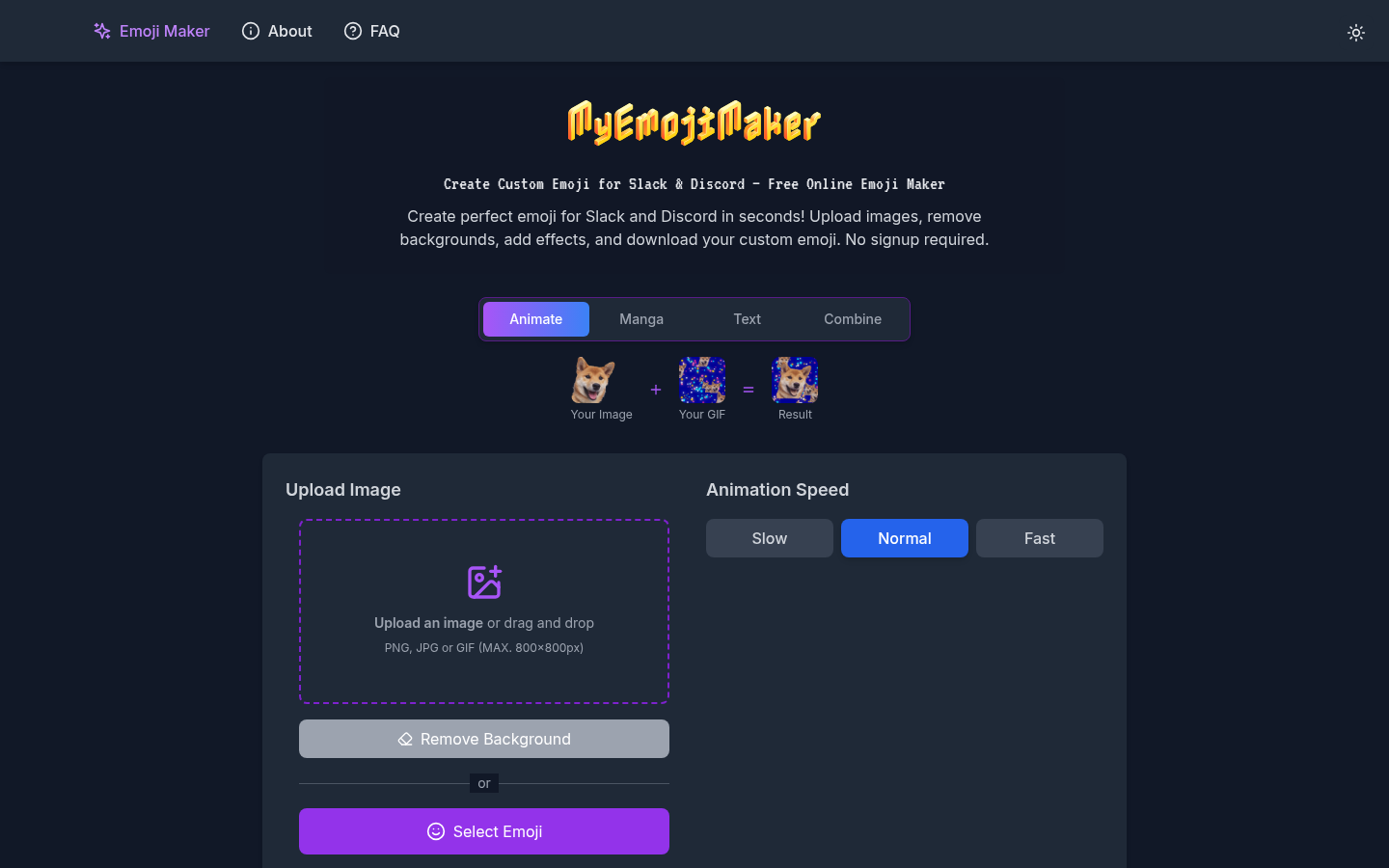
MyEmojiMaker is a web-based tool for creating custom emoji intended for Slack and Discord. Its live product page presents an upload-and-edit workflow: users can upload an image or drag and drop one into the interface, remove the background, apply visual effects, adjust animation speed, and download the resulting custom emoji. The site describes the service as free to use online and states that no signup is required. Supported upload formats are PNG, JPG, and GIF, with a stated maximum image size of 800 by 800 pixels. These constraints make the product suitable for quick, individual emoji creation rather than for handling large source assets or managing a shared asset library.
The repository documents two principal creation paths. The image-to-emoji workflow turns an uploaded image into an animated emoji and includes multiple animation styles, color effects, manga-style overlays, and text effects. The text-to-emoji workflow converts text into a stylized emoji, with font selection, live preview, custom colors, outlines, and background transparency controls. The repository also describes dynamic font loading and several font categories. Text creation is documented in the project README, while the deployed page’s extracted interface clearly exposes image upload, background removal, animation-speed controls, effect controls, and GIF-background upload.
Animation and compositing are central to the product. The README describes movement effects such as party, shake, and bounce; transform effects such as spin, twist, and jello; color effects including rainbow, neon, and synthwave; and static overlays for manga text and expressions. It reports more than 20 animated effects and more than 15 static overlays, along with support for custom GIF backgrounds and adjustable animation speeds. The live page shows the speed choices Slow, Normal, and Fast. However, many effect controls in the retrieved page content appear as generic loading states, so the complete effect catalog and the exact behavior of every control cannot be independently confirmed from the deployed page alone.
The documented technical implementation is a React and Vite application using TypeScript and Tailwind CSS. The README identifies the Canvas API, gif.js, and gifuct-js as parts of the animation and GIF-processing system. It describes a custom animation engine, frame-by-frame GIF generation, optimized rendering, and canvas-based image operations. The same documentation lists responsive design, touch-device support, dark and light modes, keyboard navigation, and screen-reader support. These are repository-level implementation claims rather than independently verified results of a usability or accessibility audit, so prospective users should treat them as documented intentions and test the experience in their own browser and device combination.
Privacy and operating constraints are also described in the repository. It states that processing occurs in the browser, that server uploads are not required, that the project does not collect or store data, and that the application can work offline after its initial load. These points are not all visible in the live landing-page text and should therefore be understood as claims made by the project documentation rather than as externally audited guarantees. The site does not describe team workspaces, account-based asset storage, collaboration, direct Slack or Discord publishing, or an API. The evidenced workflow ends with downloading the created emoji, so users should expect to upload the file to their destination service themselves.
MyEmojiMaker is a reasonable fit for someone who wants a lightweight browser workflow for turning a personal image, GIF, or short text treatment into a custom emoji without creating an account. It is less clearly suited to teams that need centralized asset management, repeatable brand controls, batch processing, or direct integrations with Slack and Discord. The project is explicitly attributed to Bolt.new in its public README, and the repository provides instructions for installing dependencies and starting a development server, which may interest developers who want to inspect or run the application locally. The available evidence does not establish a paid tier, account system, service-level commitments, or a formal support model.
| Category | Experiments |
|---|---|
| Platform | Web |
| Pricing category | Free |
| Built with | Bolt |
| Added to VibeAtlas | September 29, 2026 |
The product is easiest to evaluate through its input constraints, creative controls, and delivery model.
Sources: [1] myemojimaker.com[2] github.com
Use a small representative source and check the complete path from upload to downloaded file.
Test a PNG, JPG, or GIF within the stated 800 by 800 pixel limit, then confirm that the source appears correctly in the editor.
Apply the background-removal option and inspect the available effect controls. Because the retrieved page exposes several controls as loading states, verify the actual options directly in the live interface.
Check Slow, Normal, and Fast settings, then test an animation, color treatment, or static overlay described in the project documentation.
Confirm that the generated file meets your intended Slack or Discord use case. The documented workflow supports downloading the custom emoji, but does not document direct service integration.
Sources: [1] myemojimaker.com[2] github.com
Sources: [1] myemojimaker.com[2] github.com
Recorded research signals from 2026-09-29. The editorial score is a selection heuristic, not a measured product rating. Counts may change.
MyEmojiMaker has a clearly defined use case: create an emoji from an image, GIF, or text, add visual treatment, and download the result. Its strongest evidence is the combination of a working public interface and a repository that describes the animation, text, effects, and GIF-generation systems behind it.
The product should be judged as a lightweight creation utility rather than as a managed Slack or Discord platform. The live page confirms no-signup access, upload limits, background removal, speed controls, and downloading, while the repository adds broader implementation detail that is not fully exposed in the page extraction. The absence of documented accounts, direct publishing, collaboration, or batch workflows limits its fit for organized team operations.
Sources: [1] myemojimaker.com[2] github.com
The live page lists PNG, JPG, and GIF uploads and states a maximum size of 800 by 800 pixels.
Read the sourceNo signup is required according to the product landing page.
Read the sourceThe project README documents a text-to-emoji workflow with font selection, live preview, custom colors and outlines, and background-transparency controls.
Read the sourceYes. The README describes animated effects and frame-by-frame GIF generation, while the product page includes animation-speed controls labeled Slow, Normal, and Fast.
Read the sourceThe landing page identifies Slack and Discord as intended destinations and describes downloading the custom emoji. Direct publishing or integrations with either service are not documented in the supplied evidence.
Read the sourceThe repository states that processing happens in-browser and that no server uploads are required. This is a project documentation claim rather than an independently audited privacy guarantee.
Read the sourceSources: [1] myemojimaker.com[2] github.com
Editorial updated: September 29, 2026. Features, prices and repository counts can change. Evaluation advice is editorial interpretation, not a claim of hands-on testing.