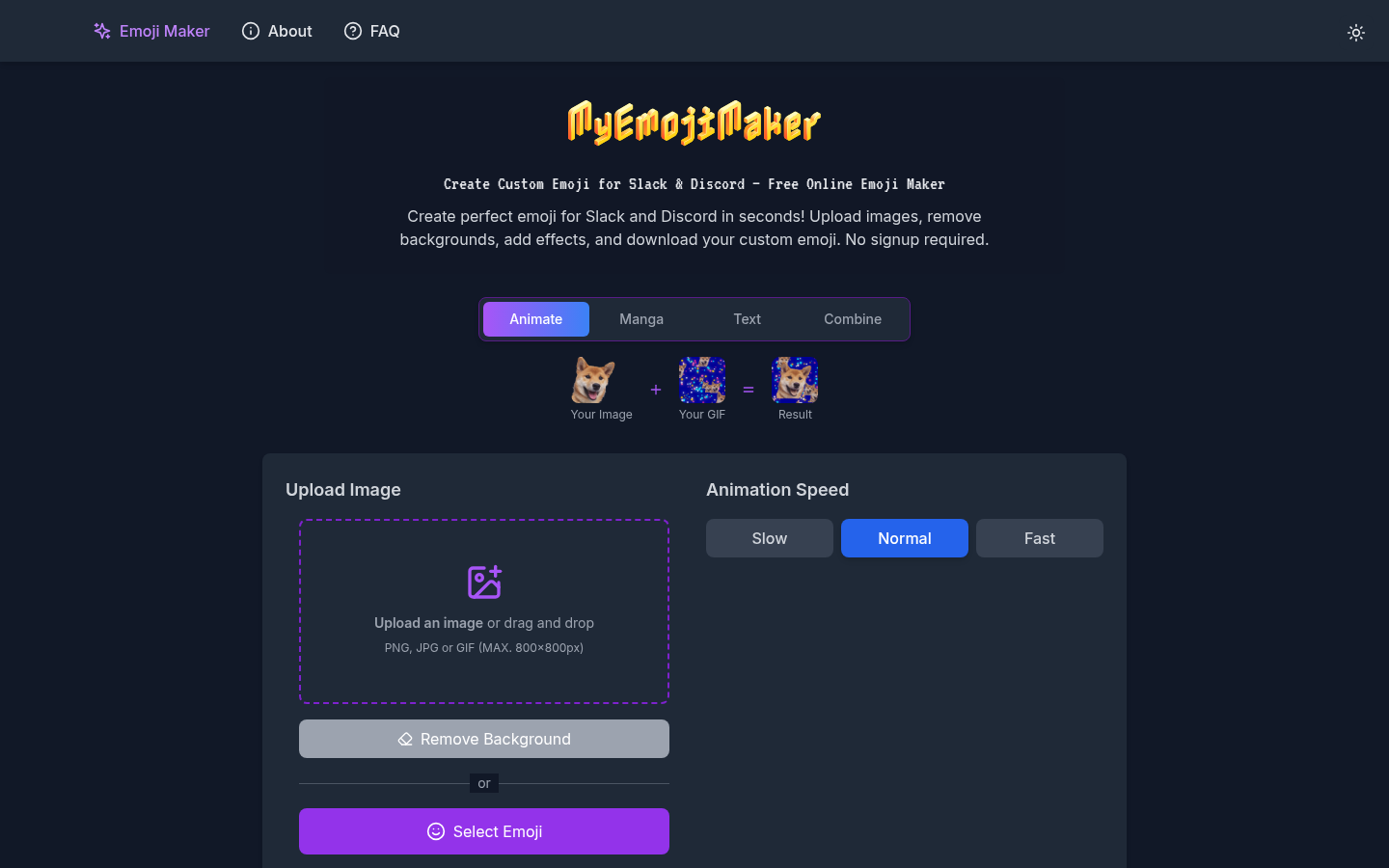
A plan before code
Discuss features and implementation in Plan Mode using the current project as context, then move into building.
Build in the browser
From a plan to a working preview
Bolt combines an AI conversation, a working app preview, and code access. Plan the product, refine the interface, then connect its data and publish.
Meet the tool
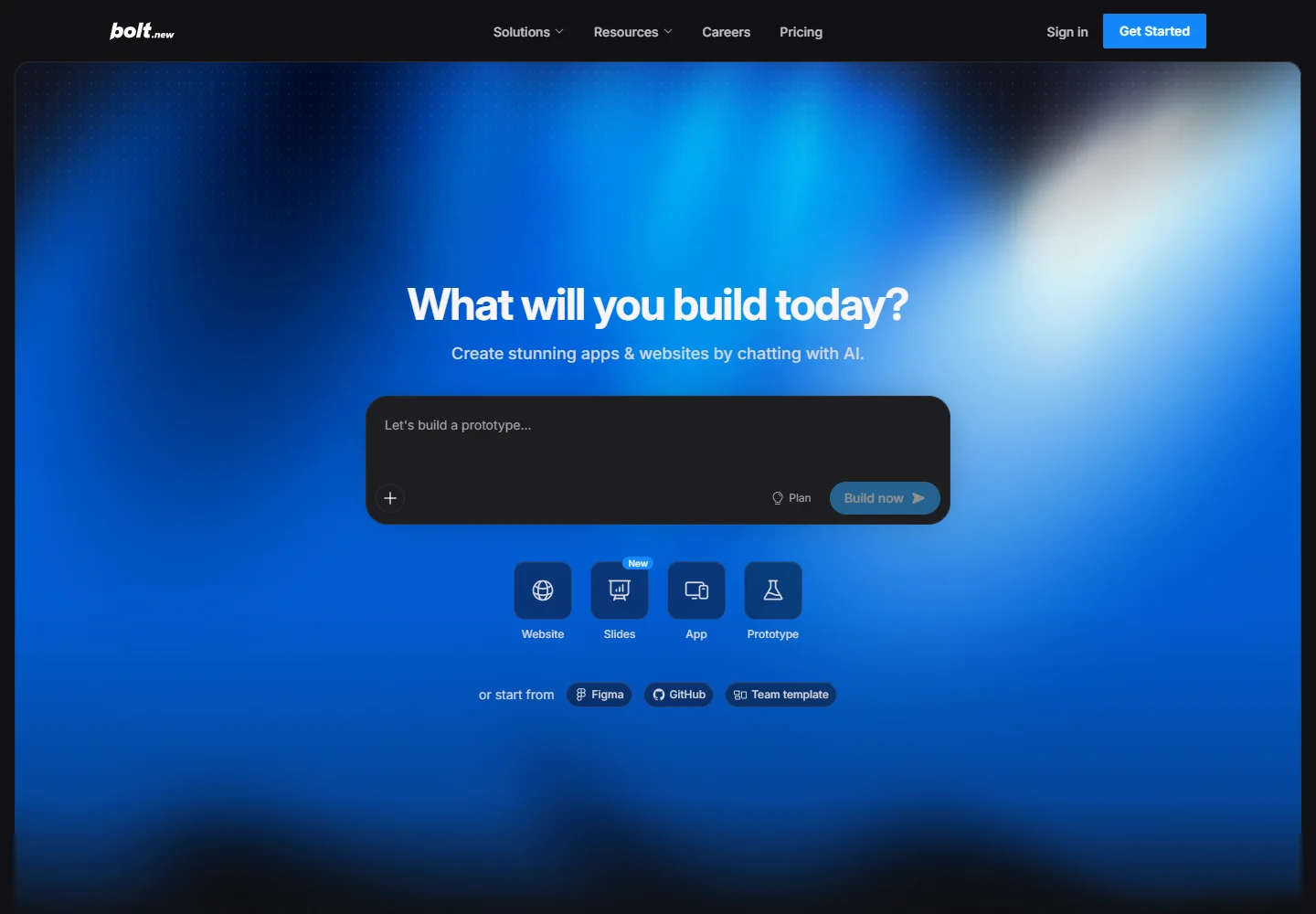
Bolt is a browser workspace for websites and applications. A project can begin with a prompt, a template, or an existing design; the preview becomes the place to try and refine what you are building.
Its workflow separates discussion from implementation. Plan Mode helps work through decisions first, while Bolt Cloud brings hosting, authentication, and databases into the same product.
| Aspect | What to expect | Evidence |
|---|---|---|
| Workspace | Browser workspace with chat, preview, and code | Official guide ↗ |
| Application stack | JavaScript frontend and Node.js backend | Official guide ↗ |
| Mobile target | Expo projects; specify mobile when starting | Official guide ↗ |
What it helps you do
Discuss features and implementation in Plan Mode using the current project as context, then move into building.
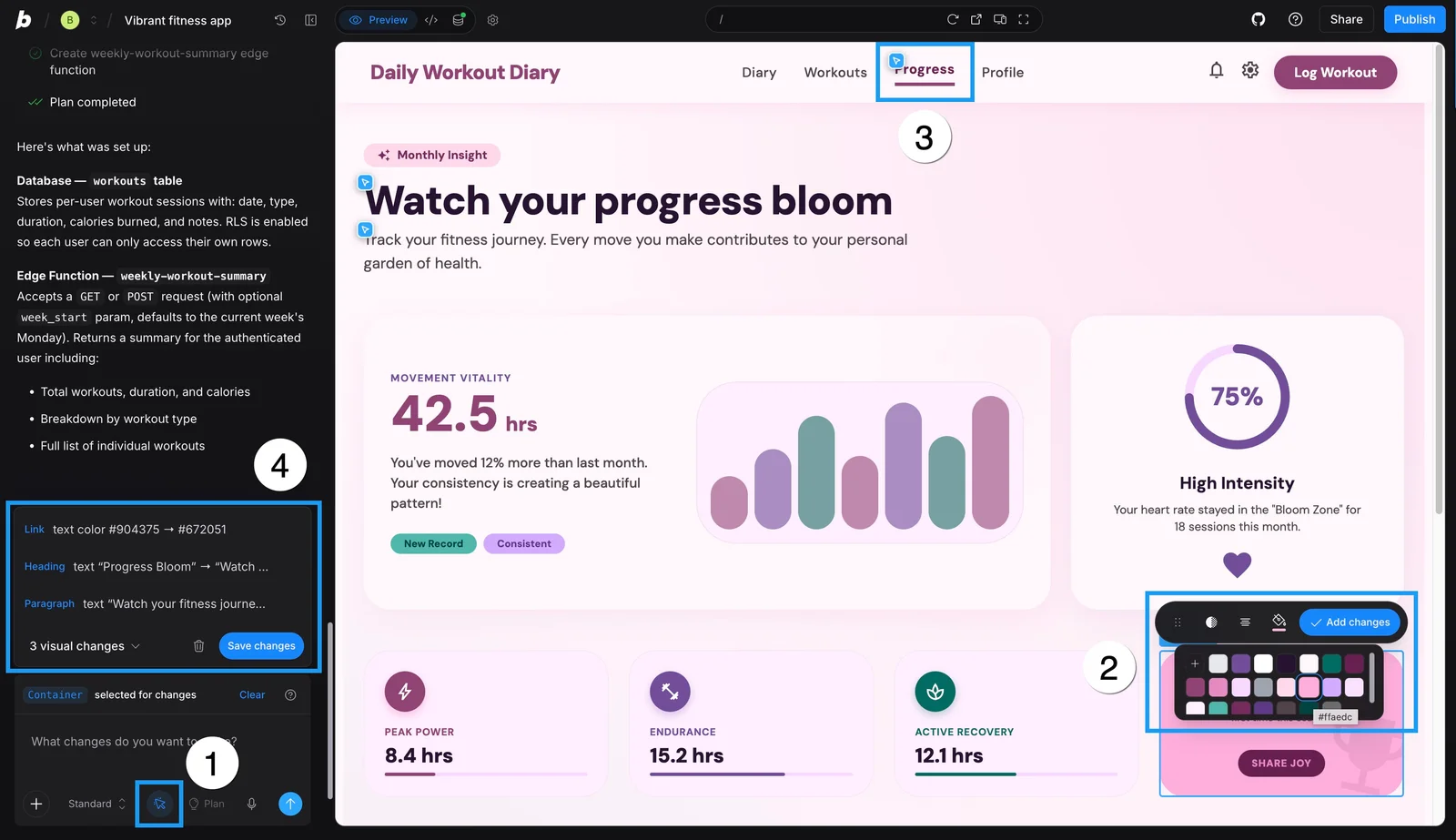
Select preview elements, adjust text or styling, and collect visual changes before saving them back to code.
Use built-in cloud services, or connect tools such as GitHub, Figma, and Supabase as the project needs them.
Inside the workflow
A closer look from the official resources. Open the image to inspect it at full size.
Start here
Describe the audience, pages, and core actions. Use Plan Mode to settle the scope before generating.
Try the main flow and target specific elements for changes. Save a batch of visual edits when it looks right.
Add the data and services the app needs, check the working experience, and publish a live version.
VibeAtlas editorial guidance
A suggested evaluation, based on the documented workflow.
For a first evaluation, build a small booking flow with an input form, a saved record, and a confirmation page. This gives you a way to judge both the generated interface and the application's behavior. Then make one focused visual adjustment and inspect its effect in the preview.
Before choosing Bolt for an existing product, compare its supported JavaScript stack with your backend requirements. A convincing preview alone does not establish that a different server runtime will fit.
Questions before you start
Bolt's supported-technology guide limits backends to JavaScript and Node.js. A project that depends on Python or PHP needs an external service or a different development environment; a frontend preview does not mean those runtimes are supported.
Read the official explanationYes. Plan Mode lets you discuss the current project, clarify requirements, and work out implementation steps before building. Use it when you need to settle the behavior of a feature before asking for changes.
Read the official explanationThe visual editing tools let you select preview elements and adjust supported text and styling. Pending edits can be collected and applied together. The official guide shows the selection toolbar and how those changes return to the project.
Read the official explanationBolt supports Expo-based mobile projects. State the mobile target in the initial prompt so the project starts with the appropriate setup. A responsive website and an Expo application have different build and release requirements.
Read the official explanationMade with this tool
These projects are part of the current public VibeAtlas collection.
Resources
Summarized from these official resources. Check the website for current features and plans.
Guide updated
Explore more tools