Murmur
Push-to-talk dictation for macOS using your own OpenAI API key
Claude Code
A manually installed KOReader extension for searching the web, opening text-oriented results, saving reading material and querying local Kiwix archives, with Markdown, CRE and MuPDF rendering options.
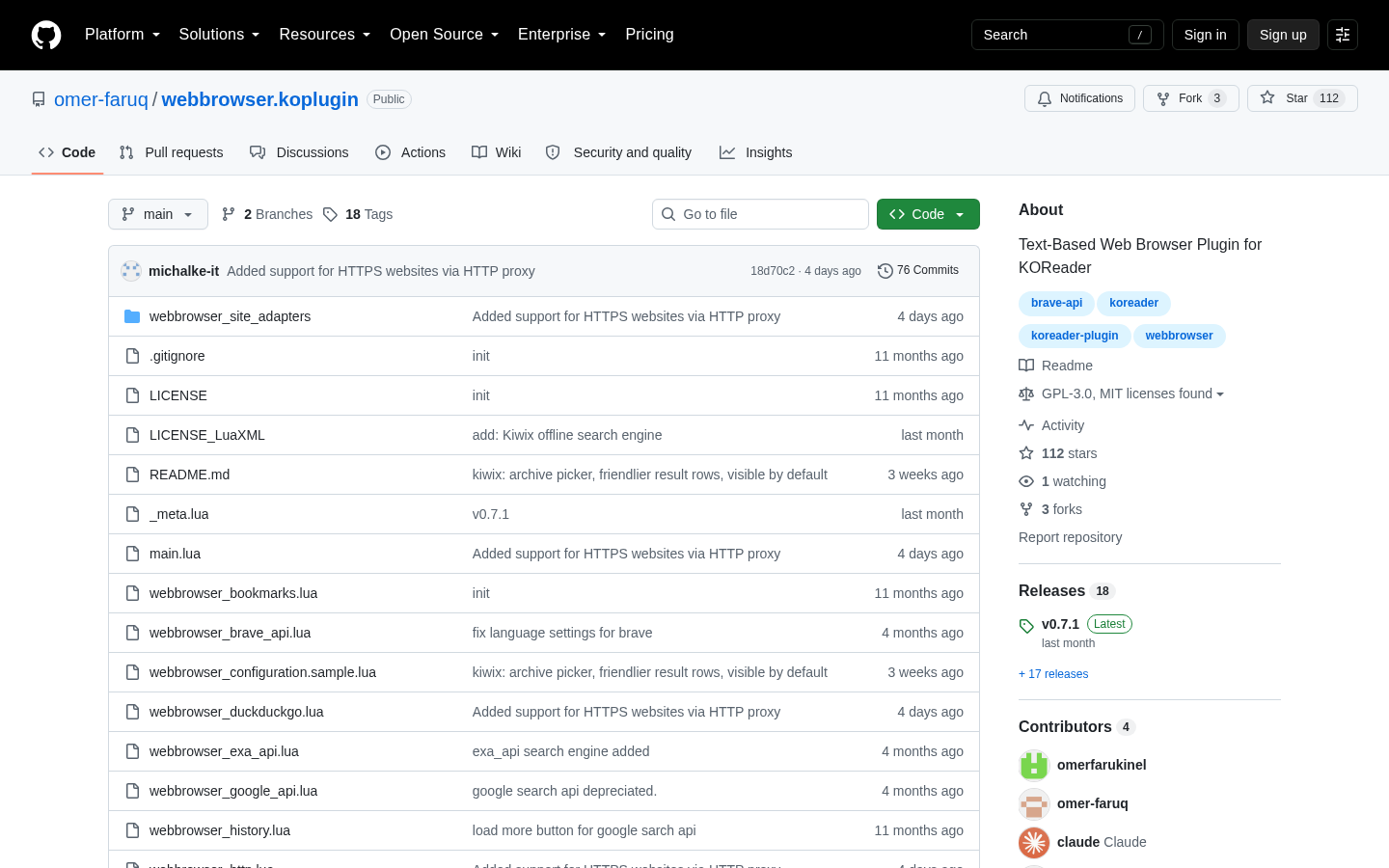
Text-Based Web Browser Plugin for KOReader adds a web-search and page-reading workflow to KOReader, with an interface designed around e-ink interaction rather than a conventional graphical browser. From KOReader’s search menu, users can enter a query, review plaintext result summaries, revisit search history or open a URL directly. Results can be bookmarked, and links to formats already supported by KOReader—including EPUB, PDF, DJVU and CBZ—can be handed to the appropriate viewer. The plugin is written for people who already use KOReader; it is not documented as a standalone browser or a replacement for a full desktop or mobile browser.
The plugin provides three page-rendering paths. Markdown mode sends a remote page through the Jina AI gateway and presents the converted content in a lightweight viewer. CRE mode downloads HTML and opens it with KOReader’s Cool Reader Engine, providing paginated reading and adjustable zoom. MuPDF mode downloads the page and associated assets to a temporary cache for a layout closer to the source. These modes involve practical trade-offs: Markdown emphasizes readable text, CRE keeps navigation within KOReader, and MuPDF favors more of the original layout. In Markdown mode, the plugin supplies its own back button; CRE and MuPDF navigation instead relies on KOReader’s history behavior.
Search options include DuckDuckGo’s HTML endpoint, Brave Search API, Tavily Search API, Exa Search API and a deprecated Google Custom Search configuration for existing users. Brave, Tavily and Exa require users to obtain and configure their own API credentials. Multiple profiles can be created for an engine type, allowing separate keys or settings to appear in the engine selector. DuckDuckGo does not require a key, but the documentation warns that repeated searches may trigger aggressive throttling. Google’s entire-web search option is unavailable to new users, while existing configurations are documented as continuing only until January 2027.
Kiwix support provides a distinct offline-search route. The plugin can query ZIM archives exposed by a local or networked kiwix-serve instance, using localhost port 8888 by default. Users select the Kiwix engine, connect to the server and choose an available archive from its catalogue. A server running directly on the reading device can be used without Wi-Fi; a server elsewhere on the local network still requires Wi-Fi. Local Kiwix pages cannot pass through the online Markdown gateway, so the plugin automatically sends them to CRE instead. Search quality also depends on the selected archive: mini archives may index only lead paragraphs, while larger archives contain more complete material.
Reading-management features include bookmarks, local Markdown exports, cached articles and optional searching from KOReader’s highlighted-text popup. Highlighted-text search is disabled by default and must be enabled in the Lua configuration file. An optional integration with the separate RSS Reader plugin adds commands to open or save sanitized articles. That integration uses RSS Reader’s configured extraction pipeline and may create EPUB files with images or HTML files. Without RSS Reader, the extra commands remain hidden and the browser continues to use its built-in rendering modes. Installation is manual: users download a release or repository copy, rename the folder to webbrowser.koplugin, place it in the platform-specific KOReader plugins directory and create or edit webbrowser_configuration.lua.
The operating constraints are material to the decision. Most web searching and page retrieval requires connectivity, and Markdown conversion depends on a third-party gateway documented with a limit of up to 20 opened pages per minute. Some sites block automated conversion or extraction, in which case users may need to switch to CRE or MuPDF. Custom cache directories also disable the plugin’s Clear cache control as a safety measure, leaving cleanup to the user. Editorially, this is best evaluated as a specialized KOReader extension for reference searches, long-form articles and offline collections—not as a general-purpose browser. Prospective users should first confirm that manual plugin installation, configuration-file editing and the reliability limits of external search and conversion services are acceptable for their reading workflow.

| Category | Developer Tools |
|---|---|
| Platform | Cross-platform |
| Pricing category | Open source |
| Built with | Windsurf |
| Added to VibeAtlas | September 10, 2026 |
The most important evaluation questions concern rendering, search infrastructure and offline behavior.
Sources: [1] raw.githubusercontent.com
A short trial should cover installation, ordinary searches, rendering failures and any intended offline setup.
Locate the correct plugins directory for the device, install the folder as webbrowser.koplugin and verify that Web Browser appears under KOReader’s search menu.
Run several representative searches with DuckDuckGo and observe result quality and throttling. If sustained use is required, assess whether configuring a supported API-backed engine is acceptable.
Open the same articles in Markdown, CRE and MuPDF. Compare text cleanliness, navigation, pagination and page fidelity, including at least one site that is difficult to extract.
Test a local Markdown save and bookmark. If offline reference is important, run kiwix-serve with a small ZIM archive and confirm that local results fall back to CRE as documented.
Sources: [1] raw.githubusercontent.com
Sources: [1] raw.githubusercontent.com
Recorded research signals from 2026-09-10. The editorial score is a selection heuristic, not a measured product rating. Counts may change.
The documented feature set is coherent for lookup and article-reading workflows on KOReader: concise result previews, multiple renderers, bookmarks, local saves and Kiwix support all address specific e-reader use cases.
The plugin should nevertheless be assessed as a configurable reading utility rather than a universal browser. Its value depends on tolerance for manual installation, external-service limits and occasional renderer switching. Users primarily interested in text-heavy pages or curated offline archives have the clearest reason to test it.
No standalone application is documented. The supplied instructions require copying webbrowser.koplugin into an existing KOReader plugins directory and launching it from KOReader’s search menu.
Read the sourceKiwix searches can be fully offline when kiwix-serve and the ZIM archive run on the reading device. Ordinary web search, Markdown conversion and remote CRE or MuPDF downloads require network access.
Read the sourceMarkdown provides a lightweight converted view, CRE presents HTML through KOReader’s Cool Reader Engine, and MuPDF aims for a layout closer to the original page. CRE or MuPDF can also be used when a site blocks Markdown conversion.
Read the sourceNot for DuckDuckGo or a local Kiwix server. Brave, Tavily, Exa and Google Custom Search configurations require their respective credentials. Google’s entire-web option is documented as deprecated and unavailable to new users.
Read the sourceThe README states that the plugin is distributed under GPL-3.0, but it does not publish a product price. Third-party search or extraction services may have their own quotas or account requirements, so a complete operating cost is not established by the supplied material.
Read the sourceNo. RSS Reader is optional and adds Open sanitized and Save sanitized actions. If it is absent, those controls are hidden and the web browser continues to operate with its built-in rendering modes.
Read the sourceSources: [1] raw.githubusercontent.com
Editorial updated: September 10, 2026. Features, prices and repository counts can change. Evaluation advice is editorial interpretation, not a claim of hands-on testing.
Accounts connected through the product website or a profile that links back to it. Related accounts may belong to the creator or a separate project.