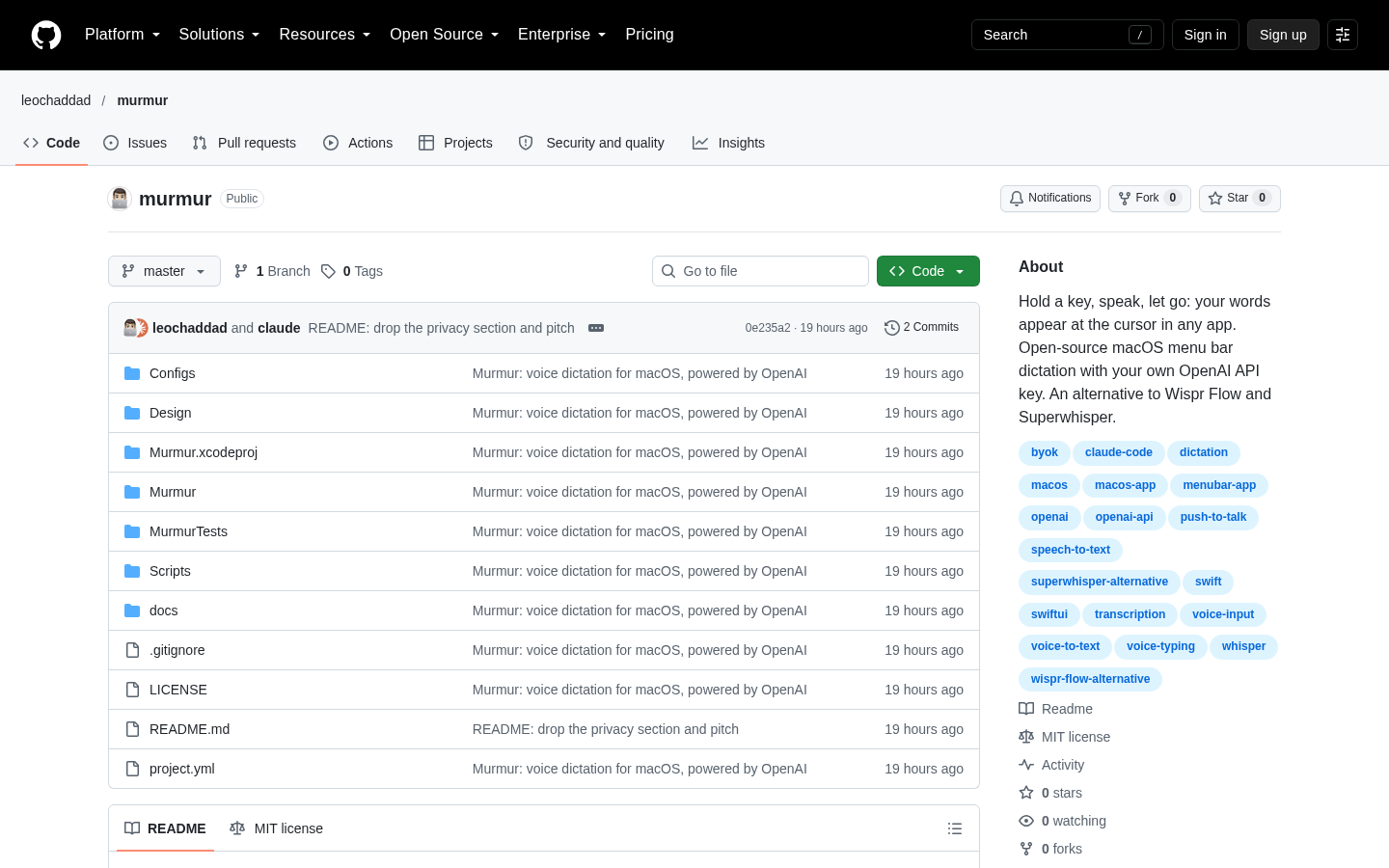
Murmur
Push-to-talk dictation for macOS using your own OpenAI API key
Claude Code
A local-first AI voice studio that clones a voice from a few seconds of audio, generates speech in 23 languages, and dictates into any app with a global hotkey.
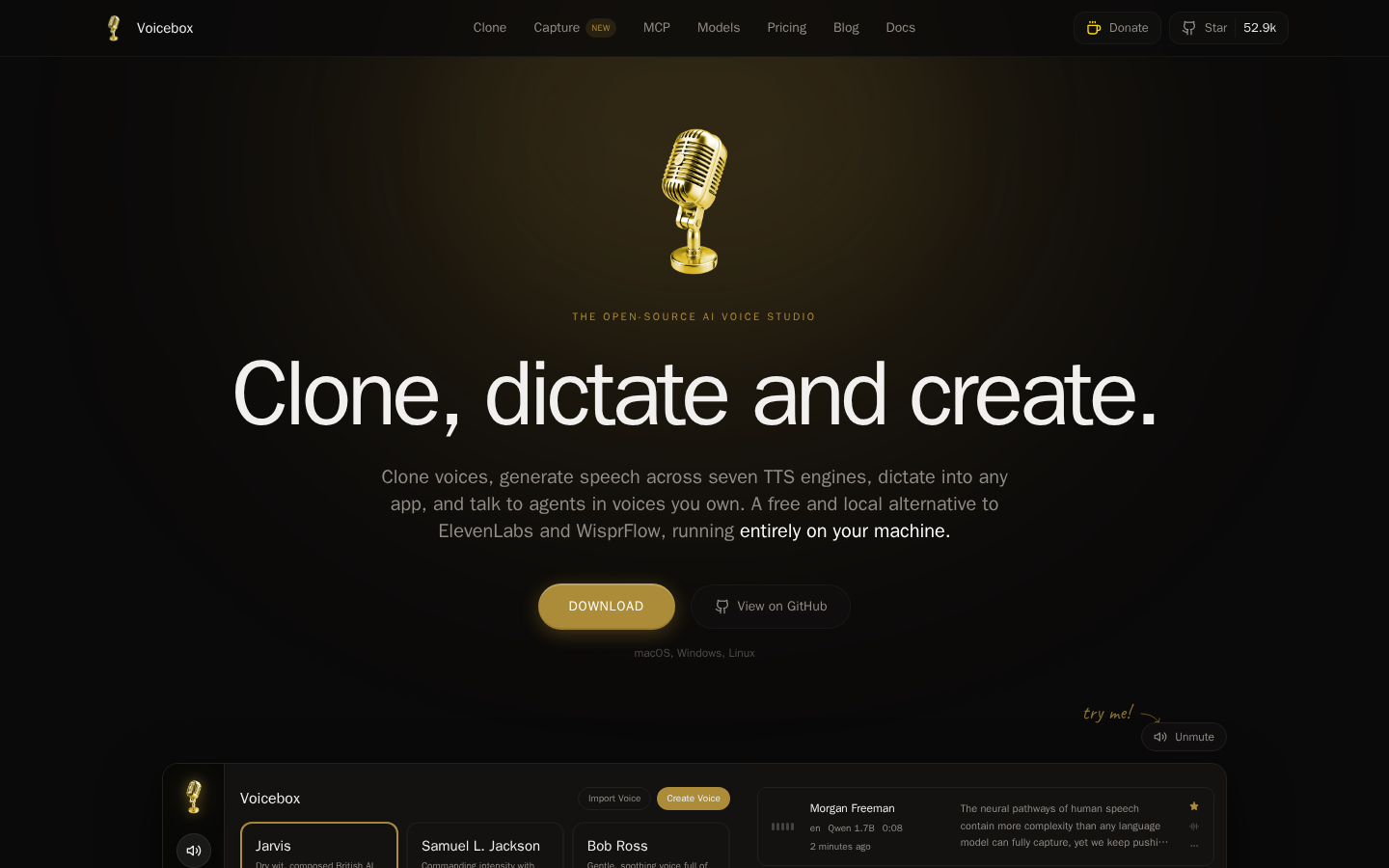
Voicebox is an open-source, local-first AI voice studio by Jamie Pine that combines the two halves of the voice workflow in one desktop application. The README frames it as a free alternative to ElevenLabs and WisprFlow in a single app: ElevenLabs covers voice output, WisprFlow covers voice input, and Voicebox does both while running the models on your own machine.
Cloning is the entry point. You provide a few seconds of reference audio and the app builds a voice profile from it, with zero-shot cloning from the sample or a choice of preset voices. Speech generation runs across seven TTS engines, listed as Qwen3-TTS, Qwen CustomVoice, LuxTTS, Chatterbox Multilingual, Chatterbox Turbo, HumeAI TADA, and Kokoro, and you select the engine per generation depending on the output you need. The README states support for 23 languages, spanning English through Arabic, Japanese, Hindi, and Swahili. Output can be post-processed inside the app with pitch shift, reverb, delay, chorus, compression, and filters, and expressive delivery is supported through paralinguistic tags such as laugh, sigh, and gasp on Chatterbox Turbo, or natural-language delivery control on Qwen CustomVoice. Long scripts, articles, and chapters are handled by automatic chunking with crossfade, and a stories editor provides a multi-track timeline for conversations, podcasts, and narrative work.
The input side is the part that changes daily habits. A global hotkey starts dictation anywhere in the system, with push-to-talk and toggle modes, speech-to-text handled by Whisper, and auto-paste on macOS so the transcript lands in whatever field had focus. There is also an in-app microphone on every text field. The third piece is agent voice: a single tool call, voicebox.speak, lets any MCP-aware agent speak in a voice you have cloned, and the README names Claude Code, Cursor, and Cline as targets. Voice profiles can carry a free-form persona, and a bundled local LLM powers Compose, Rewrite, and Respond modes that agents can also invoke over MCP. The app exposes a REST API and a built-in MCP server for wiring voice into other software.
Distribution and platform support are documented rather than implied. The app is built with Tauri in Rust rather than Electron, and downloads cover macOS on Apple Silicon and Intel, Windows, and Docker, with AMD ROCm and Intel Arc called out alongside CUDA and MLX/Metal acceleration paths. Linux users are directed to build from source because pre-built binaries are not yet published. Licensing is open source, with the repository carrying a license file, and the project publishes documentation, releases, and a troubleshooting guide.
Provenance is worth noting when deciding whether to install it. The project is by Jamie Pine, the developer behind the Spacedrive file manager, and it ships through public releases with a license file and written documentation, so the code and the model choices are inspectable rather than opaque. That matters more than usual here, because the value of a local voice tool rests on being able to verify what runs on your machine.
The privacy claim is structural: models, voice data, and captures stay on the machine. That is the main reason to choose it over a cloud service, and also the main reason to check your hardware before committing, since local inference is what the experience depends on. The listing here reflects the project's own documentation; independent measurements of generation quality, latency, and clone fidelity were not reviewed.
| Category | AI Products, Developer Tools |
|---|---|
| Platform | Desktop |
| Pricing category | Open source |
| Built with | Not documented |
| Added to VibeAtlas | September 11, 2026 |
A local-first AI voice studio that clones a voice from a few seconds of audio, generates speech in 23 languages, and dictates into any app with a global hotkey.
Read the sourceUse the official product link below. It is the destination recorded for this listing.
Read the sourceCheck the current product page before making a decision. The directory's pricing category is a listing field, not a live price quote or availability guarantee.
Read the sourceThe VibeAtlas listing credits Other AI tools as the build tool behind Voicebox.
Read the sourceThe repository linked below is recorded with this product. Check its README and license for current implementation details and usage terms.
Read the sourceThe VibeAtlas listing records Voicebox as open source. Check the repository for its current license and usage terms.
Read the sourceThis page uses the information supplied with the listing. Features, prices and repository counts can change. Evaluation advice is editorial interpretation, not a claim of hands-on testing.