Murmur
Push-to-talk dictation for macOS using your own OpenAI API key
Claude Code
Programmarr plans, deploys, and optionally maintains themed Tunarr channels using metadata from a Plex-backed media library.
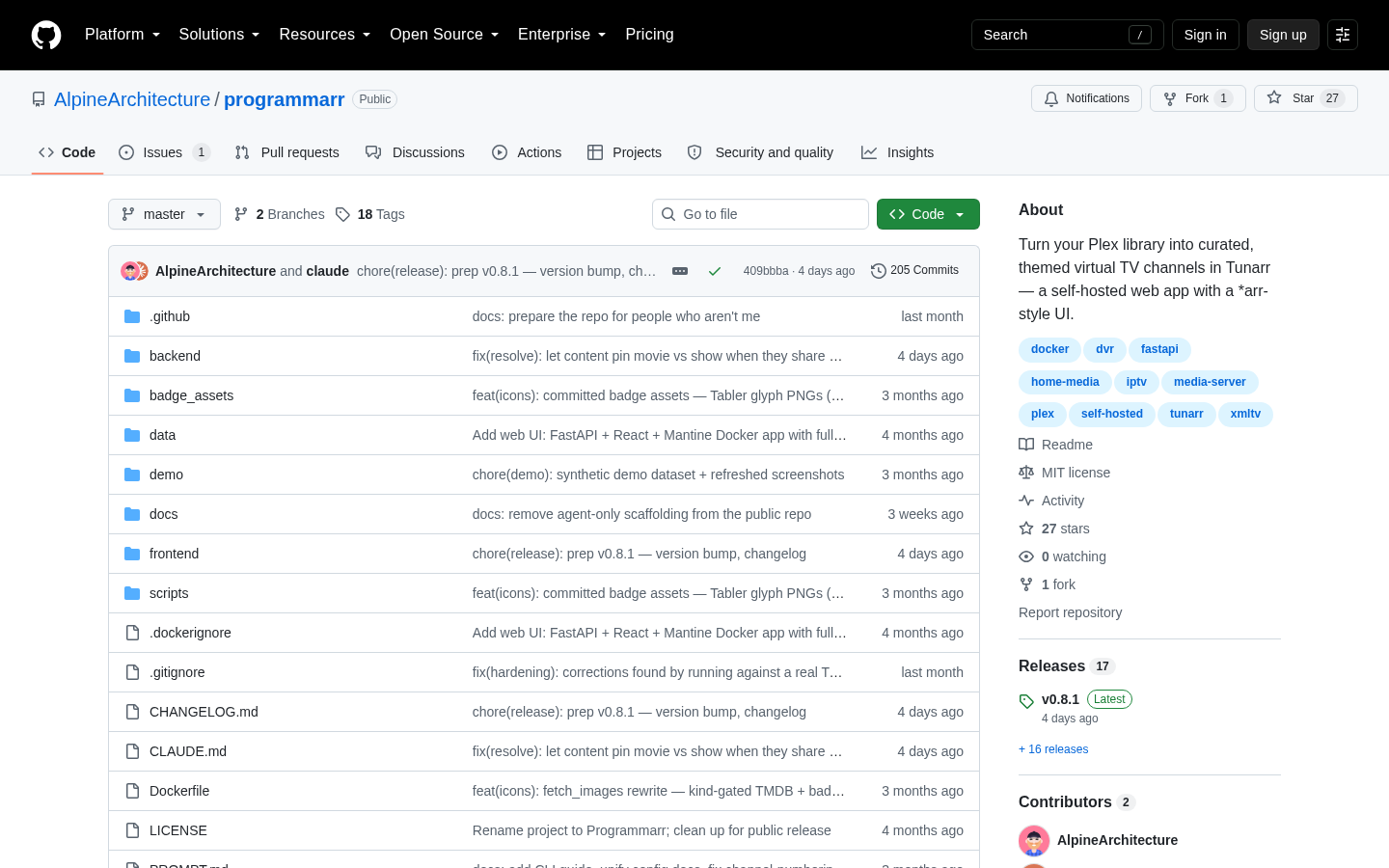
Programmarr is a self-hosted web application for turning media stored in Plex into themed virtual television channels managed through Tunarr. It requires Tunarr 1.x and a Plex-backed media source. The application reads Plex library metadata, helps the user assemble a channel lineup, and deploys selected channels to Tunarr. The repository describes a web interface modeled on the workflow of media-management applications such as Sonarr and Radarr, as well as an advanced command-line interface for users who prefer terminal-based operation. The product therefore fits into an existing self-hosted media stack rather than serving as a general-purpose media library service.
The central workflow is the Planner. Users can generate possible channels from genres, decades, studios, directors, actors, franchises, series, networks, and other metadata found in their Plex library. Programmarr presents a live, counted list so the user can inspect available channel ideas and select the exact ones to deploy. Its standard planning process is deterministic and does not require AI. The project also documents an optional AI layer intended to find themes that fixed metadata filters may overlook, such as heist films or time-travel stories, and to divide broad groups by tone. Because this layer is optional, the core product can be evaluated independently of AI-generated suggestions.
Deployed channels can be marked as live and rechecked against the Plex library on a schedule. Programmarr then patches those channels in place as qualifying media appears, allowing new episodes or franchise films to enter an existing channel without a complete redeployment. The application also supports category ordering and sequential channel numbering. Fresh deployments begin at channel 1, while deployments that retain existing channels place new ones above the highest retained number. Users can reorder channel categories through the settings interface. Per-channel commercial breaks are also documented: they depend on a filler list configured in Tunarr and can be enabled for selected channels before the next deployment.
The documented deployment path uses a prebuilt container image from GitHub Container Registry. A Docker Compose configuration exposes the application on port 7979 and mounts a data directory for configuration, channels, and library exports. On first run, an onboarding wizard asks the user to create a login, supply the Tunarr and Plex URLs, and test both connections. A TrueNAS Compose example is included. Advanced users can instead run the Python command-line application without Docker; the repository states that its scripts use only the Python standard library. These choices still make Programmarr an operator-managed product: users need a suitable server environment and must maintain the surrounding Plex and Tunarr services.
Deployment behavior deserves attention when evaluating the product. The default mode replaces the channels managed by Programmarr. Users with an existing hand-built Tunarr lineup are instructed to choose Add/Edit mode rather than Nuke mode. The application snapshots the existing lineup before deleting anything, but reviewing the mode and backup behavior remains important before a first production deployment. Container images are published when versions are released and do not update themselves. The interface displays an update-available banner, after which an operator can pull and restart the container. Watchtower can be added for automatic release updates, although the documented configuration requires Docker socket access and, on newer Docker engines, a specified Docker API version.
The clearest fit is a technically comfortable Plex user who already runs, or intends to run, Tunarr 1.x and wants repeatable channel creation based on library metadata. It is not currently suitable for a Tunarr installation backed only by Jellyfin or Emby. The project explicitly requires a Plex-backed source, and its open tracking issue explains that Plex supplies metadata including genres, decades, studios, directors, actors, country, mood, and style tags, as well as DVR mapping used by the workflow. Jellyfin and Emby support is being used to gauge demand, with no promised timeline. Programmarr is therefore best assessed as a focused automation and curation layer for a specific self-hosted Plex-and-Tunarr stack, not as a general-purpose virtual television platform.
| Category | Developer Tools |
|---|---|
| Platform | Web |
| Pricing category | Open source |
| Built with | Claude Code |
| Added to VibeAtlas | September 15, 2026 |
The product’s value depends less on general media-server needs than on the exact services, metadata, and deployment controls already present in the installation.
Sources: [1] github.com[2] github.com
The following steps are editorial recommendations based on the project’s documented requirements and deployment behavior.
Confirm that the target Tunarr 1.x installation has a Plex-backed source. Do not proceed on the assumption that Tunarr’s own Jellyfin or Emby support carries over to Programmarr.
Run the prebuilt container with port 7979 exposed and a host directory mounted at /data. Alternatively, technically experienced evaluators can inspect the documented Python CLI path.
Create the local login, enter the Plex and Tunarr URLs, and use the onboarding wizard’s connection tests before attempting channel planning.
If Tunarr already contains hand-built channels, choose Add/Edit rather than the default replacement-oriented mode. Review the snapshot and backup behavior before testing a small set of planned channels.
Mark a test channel live, add matching media, and check whether scheduled patching suits the intended workflow. Separately decide whether updates will remain manual or be automated through Watchtower.
Sources: [1] github.com
Sources: [1] github.com[2] github.com
Recorded research signals from 2026-09-14. The editorial score is a selection heuristic, not a measured product rating. Counts may change.
Programmarr addresses a concrete operational task: converting Plex metadata into a selected Tunarr lineup and keeping chosen channels synchronized as a library changes. Its Planner, scheduled live-channel updates, deployment controls, numbering settings, commercial configuration, Docker image, and CLI are all described in the project repository.
The main caveat is architectural rather than cosmetic. Programmarr is tied to Plex metadata and DVR behavior, even though Tunarr itself supports additional media sources. Our editorial recommendation is to evaluate it first in a non-critical or backed-up Tunarr environment, use Add/Edit mode around an existing lineup, and treat optional AI suggestions as an additional discovery path rather than a requirement.
The repository requires Tunarr 1.x and Plex. Tunarr must have a Plex-backed media source that Programmarr can access.
Read the sourceNo. The project states that Jellyfin and Emby are not currently supported. An open issue is gauging demand, but it makes no promise about timing.
Read the sourceNo. Docker Compose with a prebuilt GHCR image is the documented quick-start path, but the repository also provides a Python CLI and states that its scripts have no dependencies beyond the standard library.
Read the sourceNo. The documented Planner is deterministic. AI is an optional layer for discovering themes that fixed filters may miss and for splitting broad groups by tone.
Read the sourceYes. The default mode replaces channels managed by Programmarr. The project advises users with a hand-built lineup to use Add/Edit rather than Nuke mode and states that it snapshots the existing lineup before deletion.
Read the sourceThe repository identifies Programmarr as MIT-licensed. The supplied documentation does not describe a hosted service, subscription, or other commercial pricing.
Read the sourceSources: [1] github.com[2] github.com
Editorial updated: September 15, 2026. Features, prices and repository counts can change. Evaluation advice is editorial interpretation, not a claim of hands-on testing.