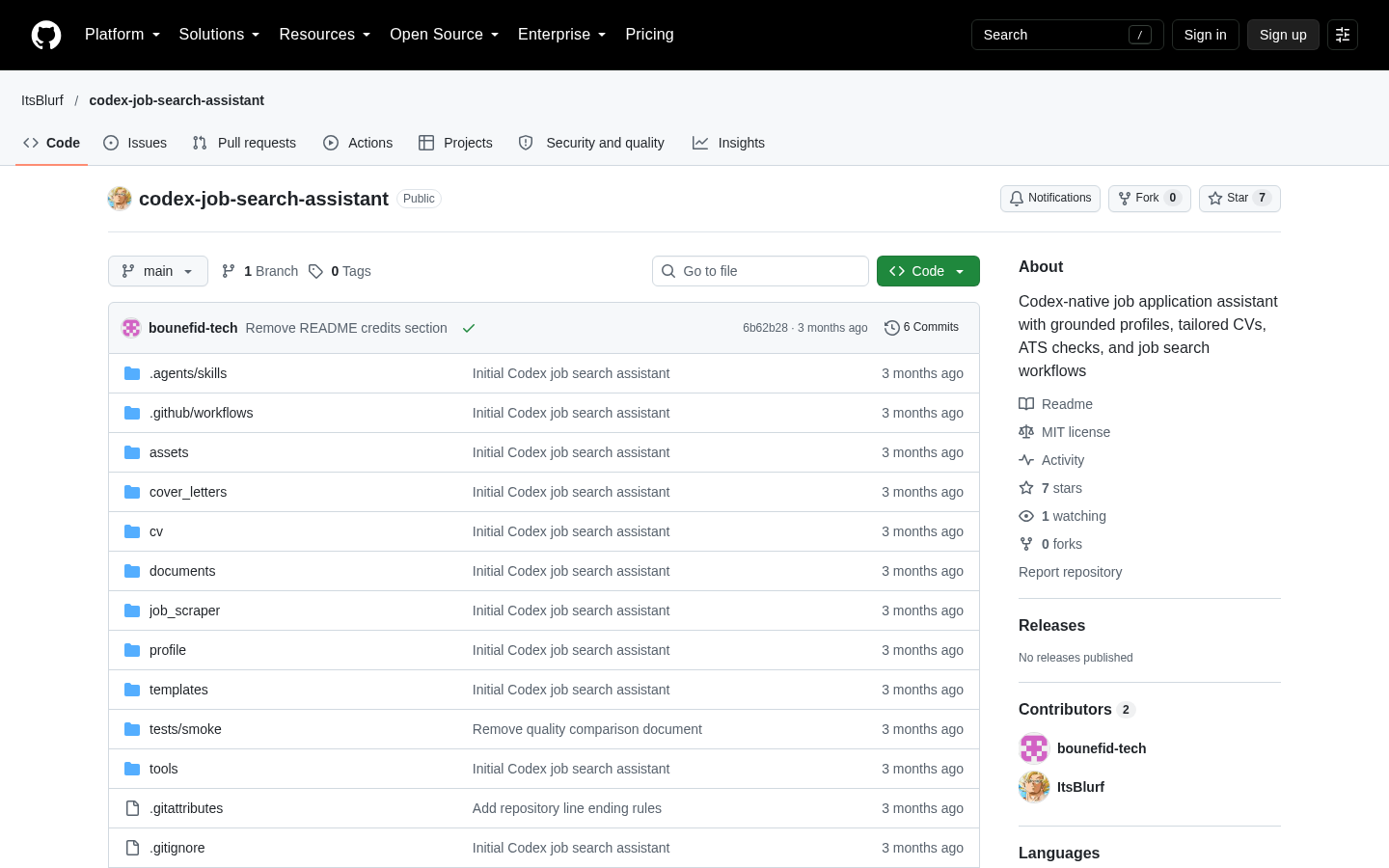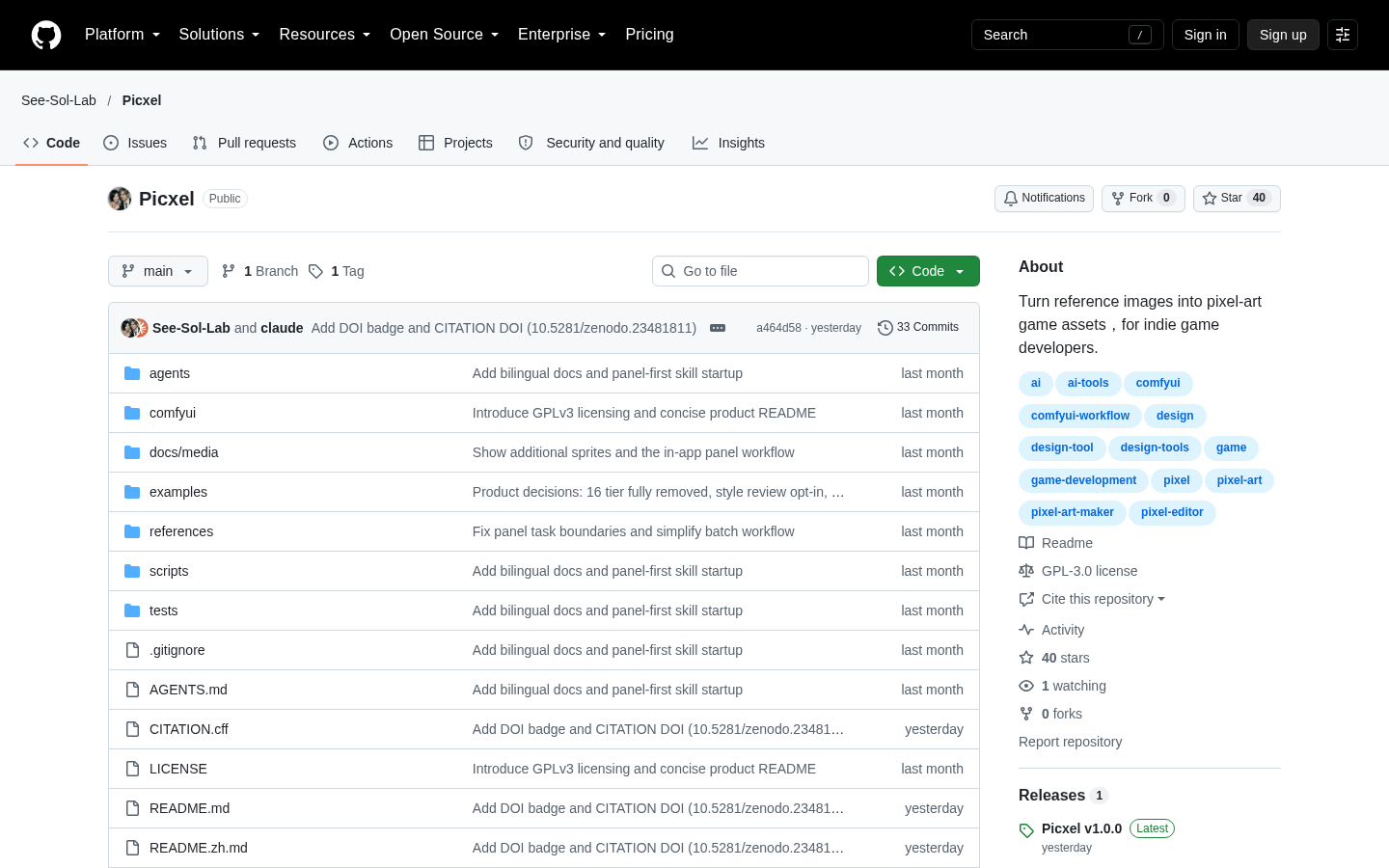
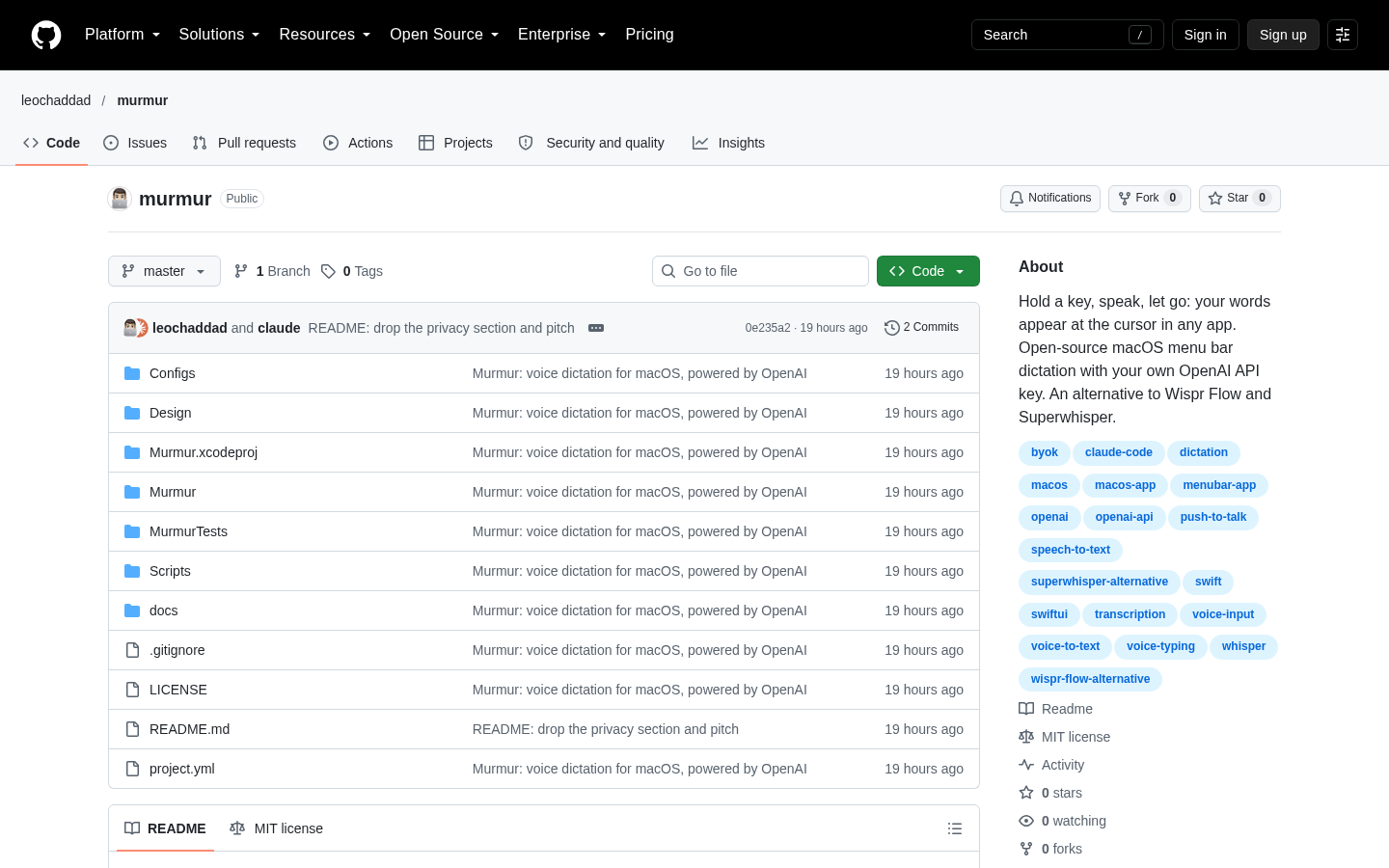
Murmur
Push-to-talk dictation for macOS using your own OpenAI API key
Claude Code
Poirot reads locally stored Claude Code activity and presents sessions, tool calls, diffs, usage data, configuration, logs, plans, prompts, and memory in a native SwiftUI application.
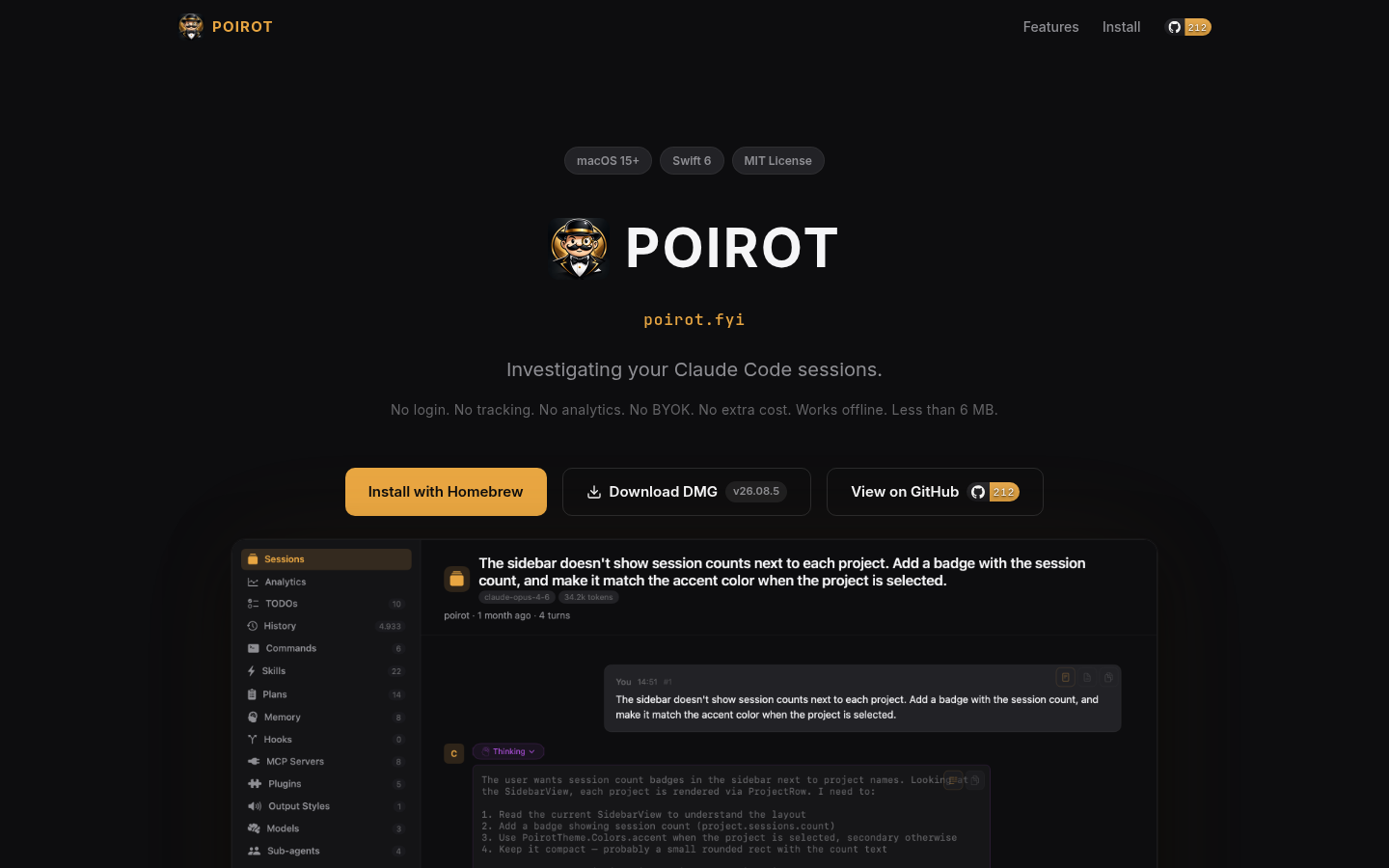
Poirot is an open-source macOS application for examining activity stored by Claude Code on a user’s computer. It turns local session transcripts and related files into a structured interface for reviewing conversations, tool calls, file changes, commands, plans, logs, prompts, memory, and usage information. The project is built with Swift 6 and SwiftUI and requires macOS 15 or later. Its source repository identifies the software as MIT-licensed, while the product site provides a Homebrew installation command.
The central workflow is session investigation. Poirot groups Claude Code sessions by project and displays metadata such as timestamps, models, and token counts. Opening a session presents a conversation timeline with rendered Markdown, syntax-highlighted code, collapsible tool blocks, and available extended-thinking blocks. Tool invocations such as Read, Edit, Bash, and Write can be inspected with their paths, results, and other recorded details. Edit operations can be presented as inline code diffs, making the app more suitable for post-session review than reading Claude Code’s JSONL files directly.
Poirot also provides aggregate views of locally available activity. Its analytics interface includes token consumption, model distribution, tool-call trends, cost breakdowns, daily activity, and a contribution-style heatmap. The website says analytics can be filtered by date and exported to CSV. Separate usage-limit gauges show Claude subscription utilization for five-hour and seven-day windows, including reset countdowns. According to the supplied documentation, this feature reuses the OAuth token already stored by Claude Code rather than requiring a separate Poirot account. The accuracy and availability of these displays necessarily depend on the data and credentials that Claude Code stores locally.
Beyond transcripts, Poirot exposes several parts of a Claude Code setup through dedicated browsers. These include global and project-scoped slash commands, reusable skills, MCP server status, models, sub-agents, plugins, output styles, hooks, session TODOs, plans from `~/.claude/plans/`, debug logs, prompt history from `~/.claude/history.jsonl`, session summaries from usage-data facets, and project memory files. A fuzzy-search interface can search across several of these resources. Some views use file watching so that changes made to underlying local files appear without a manual reload.
The documented operating model is local and account-light: Poirot works offline, requires no separate login, and states that it includes no tracking or analytics of its own. It reads Claude Code data from locations on the Mac, including project transcripts and configuration directories. This narrow integration is also its main constraint. Poirot is not documented as a general-purpose AI transcript viewer, a Claude Code replacement, or a cross-platform service. It is intended for existing Claude Code users on macOS 15 or later, and some screens will only be useful when the corresponding transcripts, plans, logs, facets, memory files, configuration, or stored token are present.
Editorially, Poirot is best evaluated as a specialist inspection utility rather than a required part of a Claude Code workflow. It may fit developers who regularly need to reconstruct what happened in a long or multi-agent session, review tool activity, compare usage patterns, or inspect configuration without navigating raw files. Prospective users should first confirm the operating-system requirement and consider the implications of granting a desktop application access to local Claude Code data. The repository explicitly describes the project as early, so stability, file-format compatibility, and feature behavior may change. Users who need Windows or Linux support, centralized team reporting, or a documented hosted synchronization layer should look elsewhere unless the project’s scope expands.
| Category | AI Products, Developer Tools |
|---|---|
| Platform | Desktop |
| Pricing category | Open source |
| Built with | Claude Code |
| Added to VibeAtlas | September 15, 2026 |
Evaluate the product around its investigation depth, local operating model, and narrow platform requirements.
Sources: [1] poirot.fyi[2] github.com
A short hands-on review should establish whether the available local records match the views you actually need.
Verify that the Mac runs macOS 15 or later and already has Claude Code activity available locally.
Use `brew tap a7t-ai/poirot && brew install --cask poirot`, or inspect the public repository before installing.
Choose a session with tool calls and file edits, then check whether the conversation timeline, tool blocks, paths, outputs, and diffs provide enough context for review.
Review analytics, usage limits, plans, logs, prompt history, summaries, and memory. Note which screens are populated by the records present in the local Claude Code installation.
Sources: [1] poirot.fyi[2] github.com
Sources: [1] poirot.fyi[2] github.com
Recorded research signals from 2026-09-15. The editorial score is a selection heuristic, not a measured product rating. Counts may change.
Poirot addresses a concrete problem: Claude Code stores substantial session and configuration information locally, but those records are not always convenient to inspect as raw files. The application assembles that material into session, analytics, search, configuration, diagnostics, and history views.
Its suitability depends less on feature count than on environment. It is relevant to active Claude Code users running macOS 15 or later, particularly those who revisit sessions or diagnose tool behavior. The repository calls the project early, so users should expect ongoing changes and verify behavior against their own local data. No cross-platform or hosted team workflow is established by the supplied evidence.
Sources: [1] github.com[2] poirot.fyi
The documented requirement is macOS 15 or later. The supplied material does not establish Windows, Linux, mobile, or browser versions.
Read the sourceThe project states that Poirot works offline and has no tracking or analytics. It describes reading transcripts and related information from Claude Code’s local storage; no hosted upload or synchronization service is documented.
Read the sourceNo separate Poirot login or bring-your-own-key setup is documented. For usage-limit gauges, the product says it reuses the OAuth token that Claude Code already stores on the Mac.
Read the sourceThe product site documents Homebrew installation with `brew tap a7t-ai/poirot && brew install --cask poirot`.
Read the sourceYes. The public repository identifies Poirot as MIT-licensed and includes contribution instructions for changes, tests, linting, and pull requests.
Read the sourceThe repository explicitly describes Poirot as early and directs users to its issues page for planned and in-progress work. The supplied material does not provide a stability guarantee or long-term support policy.
Read the sourceSources: [1] poirot.fyi[2] github.com
Editorial updated: September 15, 2026. Features, prices and repository counts can change. Evaluation advice is editorial interpretation, not a claim of hands-on testing.