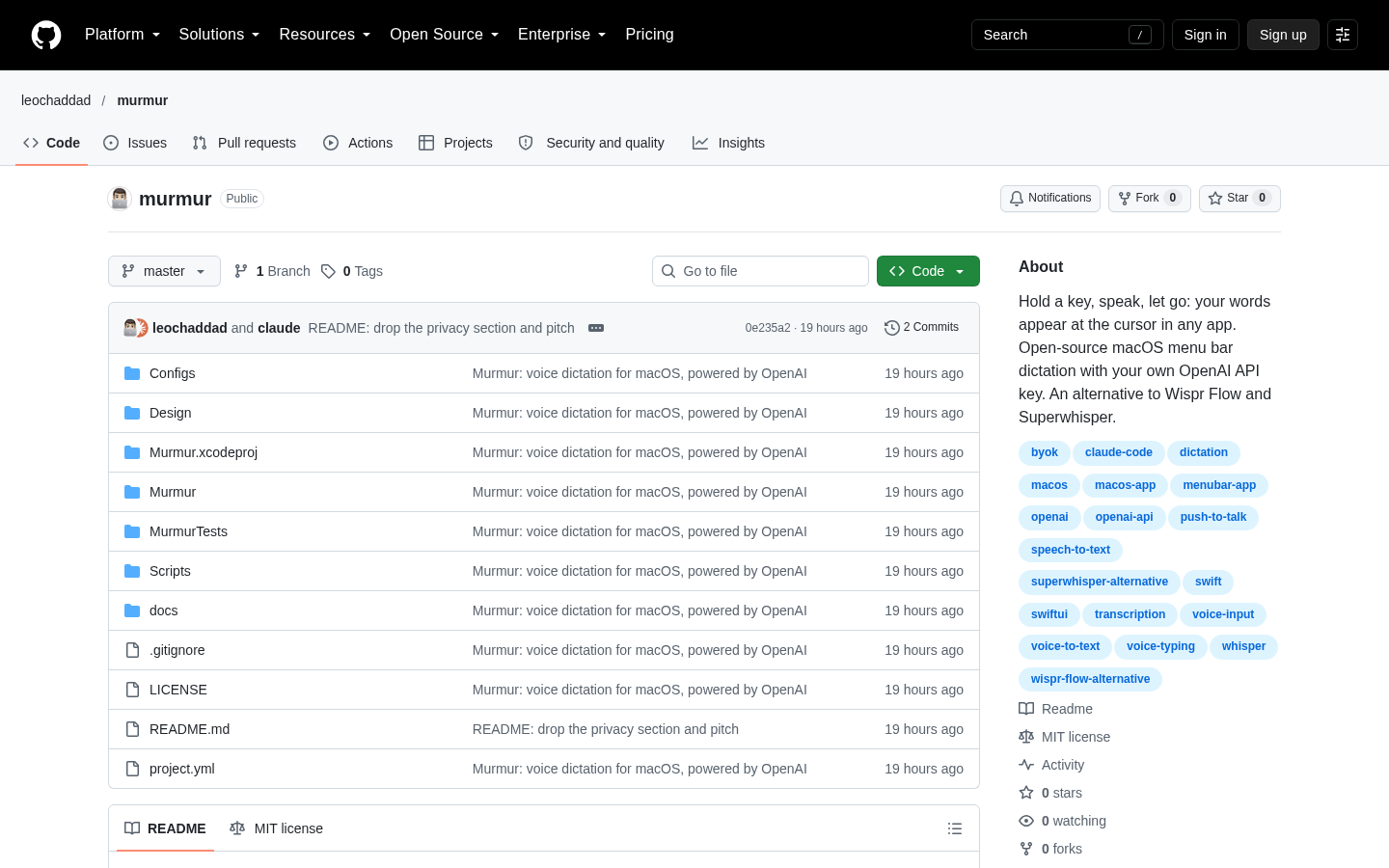
Murmur
Push-to-talk dictation for macOS using your own OpenAI API key
Claude Code
Flight Ledger combines flight-history imports, receipt parsing, travel-cost analysis and United Premier progress in a local browser ledger. It is most useful when you are prepared to supply and review your own files.
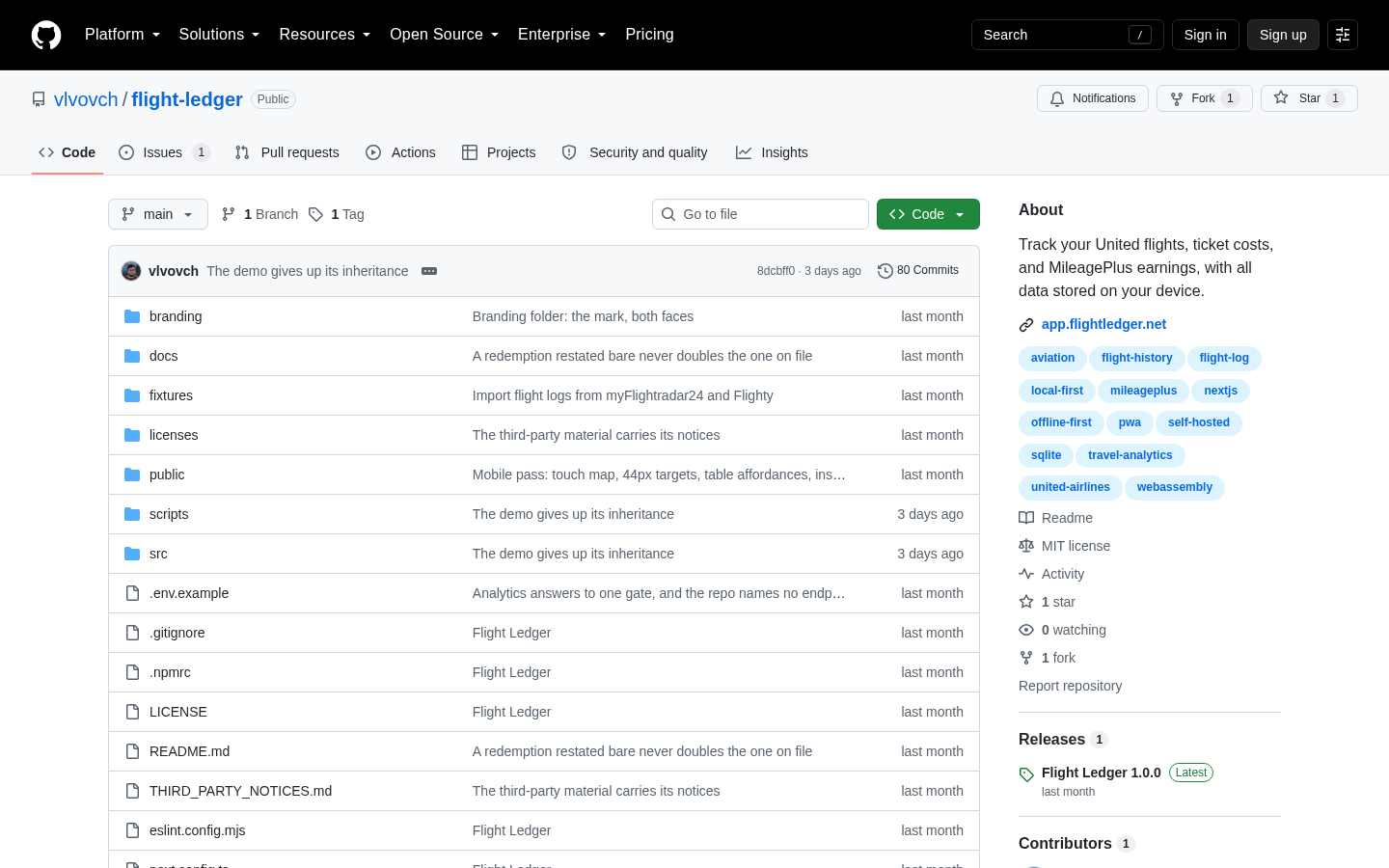
Flight Ledger is a browser-based personal ledger for recording the flights you have already taken, what those trips cost, what United credited, and how your MileagePlus progress is developing. It is focused on the United ecosystem but is not limited to United flight history. The product is designed for people who want one place to reconcile airline activity, ticket receipts, reimbursed expenses and long-term travel statistics without maintaining another cloud account. It does not book travel, track live flights or connect directly to an airline account. Instead, it reads files that the user supplies and keeps the resulting ledger locally in the browser by default. Source: https://github.com/vlvovch/flight-ledger, https://app.flightledger.net/faq
The quickest starting point is a United “My Activity” CSV downloaded from united.com. According to the product documentation, that import creates a flight history and brings in the miles and PQP that United has posted. It also supports CSV exports from Flighty and myFlightradar24, allowing users to add broader flight histories from any airline, including routes, dates, times, cabins, seats, aircraft types and tail numbers where those fields are present. Flights can also be entered or edited manually. Re-importing the same file is designed to be safe, and imported values remain editable rather than becoming permanent records. Source: https://github.com/vlvovch/flight-ledger, https://app.flightledger.net/faq
The cost side is built around receipt and ticket data. Users can drop individual .eml files or an exported .mbox file onto the Tickets page, or enter tickets manually. The importer documentation describes recognition for 23 email formats, including receipts and booking messages from several airlines and travel agencies, as well as schema.org flight markup used by some other carriers. The importer can attach receipts to matching flights, read fare and payment details, create missing segments and handle award-ticket taxes and fees. It also attempts to account for reissued tickets, refunds, reimbursements and multiple payment methods. Receipt parsing is a practical constraint: the creator specifically notes that ticket reissue chains and varied receipt formats have been difficult cases, so imported results should be reviewed before being treated as complete accounting records. Source: https://github.com/vlvovch/flight-ledger/blob/main/docs/importers.md, https://app.flightledger.net/faq
For United-focused users, Flight Ledger separates status and cost metrics rather than treating a flight as a simple calendar entry. Documented measures include PQP, PQF, award miles, Premier qualification progress, lifetime miles and Million Miler progress. The product also calculates cost per mile in several views, distinguishes personal and reimbursed costs, and provides a reconciliation queue for issues such as missing United credit, duplicates, foreign-currency handling and inconsistent timing or distance data. Other documented views include cash flow, route statistics, travel mix, fare-class economics, aircraft and tail-number information, a route map and a printable annual report. These metrics depend on the completeness and quality of the files imported or values entered by the user. Source: https://github.com/vlvovch/flight-ledger, https://app.flightledger.net/faq
The privacy model is a central operating constraint. The public browser application has no required sign-up, login or user account, and the repository states that the ledger runs in the browser using SQLite compiled to WebAssembly. Imported flights, tickets, costs and receipts are stored in browser storage and are not uploaded to a product backend. Clearing the browser’s site data deletes the local ledger, so the documentation recommends exporting backups. Settings provide a full JSON backup and CSV exports. Optional Google Drive sync copies a backup to a private folder in the user’s own Drive when the user initiates synchronization; the privacy policy states that this transfer goes directly from the browser to Google. Self-hosting is also documented, with the server storing each account as a local SQLite file and binding to the local machine by default. Source: https://app.flightledger.net/privacy, https://github.com/vlvovch/flight-ledger
Flight Ledger is therefore best evaluated as a manual-import accounting and analysis tool for frequent flyers, especially people whose travel is concentrated around United and who care about reconciling costs with MileagePlus activity. It is not a replacement for an airline account, a live flight tracker or an automated expense platform. Its usefulness depends on obtaining exports and receipts, checking parser results and maintaining backups. The public repository identifies the project as MIT licensed and documents a Next.js and TypeScript implementation, browser-side SQLite/WebAssembly storage, self-hosting instructions and development commands. The creator also states in the supplied Hacker News post that the app was built with Claude Code. The supplied live application capture showed a loading shell, so this page relies on the repository, FAQ, privacy policy, importer documentation and the creator’s description for feature evidence rather than claiming independent interactive verification. Source: https://github.com/vlvovch/flight-ledger, https://news.ycombinator.com/item?id=49395637, https://app.flightledger.net/

| Category | Experiments |
|---|---|
| Platform | Web |
| Pricing category | Open source |
| Built with | Claude Code |
| Added to VibeAtlas | September 23, 2026 |
The product makes three design choices that determine whether it fits your travel-recording workflow.
Sources: [1] github.com[2] app.flightledger.net[3] app.flightledger.net
Start with representative records rather than assuming every imported value will be complete.
Use the documented demo-data option to inspect the dashboard and understand the product’s views before committing personal records.
Download a My Activity CSV from United and check whether the resulting flights, posted miles and PQP match the source account.
Test one or more .eml files or a limited mbox export, then review fare breakdowns, payment methods, attached flights and any reconciliation warnings.
Export the full JSON backup and decide whether local backups are sufficient or whether optional Google Drive sync is appropriate for your devices.
Sources: [1] github.com[2] app.flightledger.net[3] app.flightledger.net[4] github.com
Recorded research signals from 2026-09-23. The editorial score is a selection heuristic, not a measured product rating. Counts may change.
Flight Ledger has a clearly defined job: consolidate flight history, ticket costs and United status-related data in a private, user-controlled ledger. Its strongest evidence is the combination of documented import formats, explicit accounting rules, local storage, backup controls and self-hosting instructions.
The trade-off is equally clear. Users must collect the source files, review parsing results and protect the local database with exports or optional Drive sync. That makes the product more hands-on than an account-connected travel tracker, but also explains its privacy-oriented architecture. For a frequent flyer who values detailed reconciliation and is comfortable with manual data maintenance, it is a credible open-source tool to evaluate. For someone seeking automatic monitoring, live operational travel information or a managed expense workflow, it is the wrong category of product.
Sources: [1] github.com[2] app.flightledger.net[3] app.flightledger.net[4] github.com
No. The FAQ says that Flight Ledger does not connect to an airline account and only reads files supplied by the user, such as a United My Activity CSV.
Read the sourceThe status features are United-specific, including PQP, PQF, Premier tiers and lifetime miles. Flight history, cost tracking, cost per mile and mapping can include flights from other airlines.
Read the sourceIn the browser on the user’s device by default. The privacy policy states that flights, tickets, costs and imported receipts are stored in browser storage and are not sent to a product backend. A self-hosted installation stores the ledger on the user’s computer.
Read the sourceClearing the site’s data deletes the browser-held ledger. The product provides a full JSON backup and CSV exports, and optional Google Drive sync can copy the backup to the user’s own Drive when initiated.
Read the sourceThe importer documentation says that 23 email formats are recognized. The documented workflow accepts .eml files and .mbox exports; Outlook .msg files are not supported according to the FAQ, which recommends exporting through Thunderbird instead.
Read the sourceNo commercial pricing is documented in the supplied material. The repository identifies the project as MIT licensed, so it is classified here as open-source rather than assigned a paid or freemium pricing model.
Read the sourceSources: [1] app.flightledger.net[2] app.flightledger.net[3] github.com[4] github.com
Editorial updated: September 23, 2026. Features, prices and repository counts can change. Evaluation advice is editorial interpretation, not a claim of hands-on testing.