Murmur
Push-to-talk dictation for macOS using your own OpenAI API key
Claude Code
KupkaProd coordinates local language, image and video models to plan scenes, review storyboards, generate multiple takes and assemble a film from a prompt or screenplay.
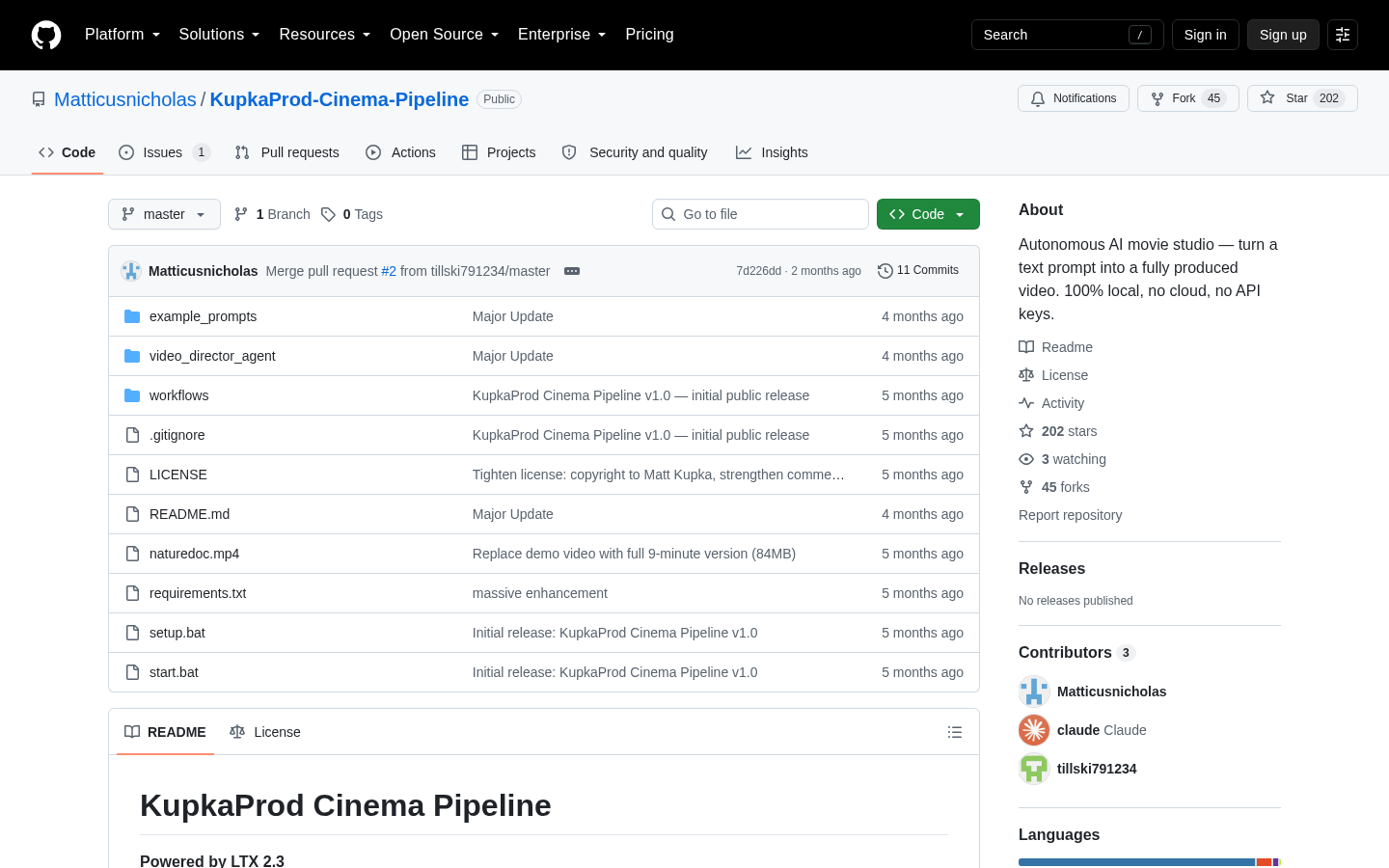
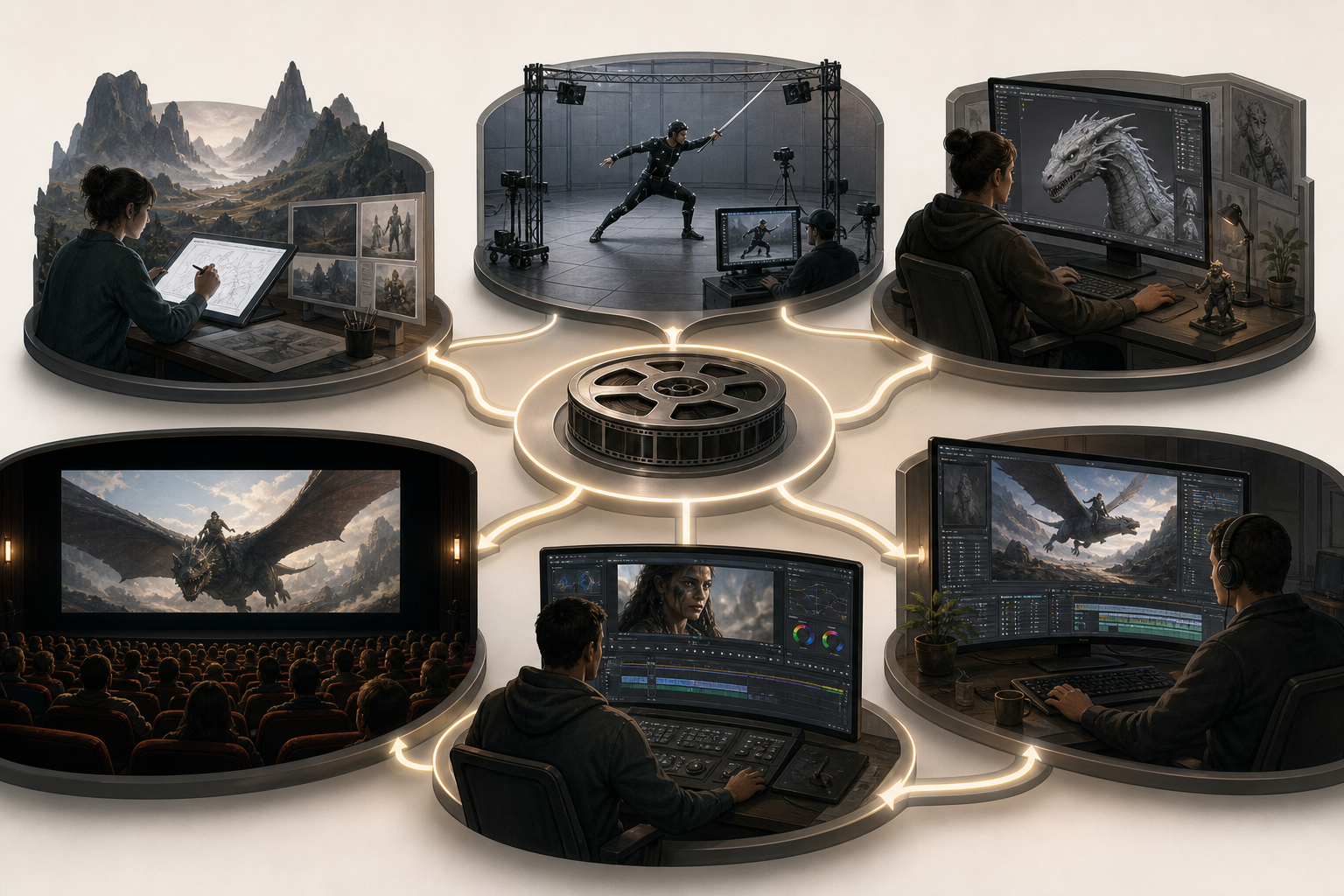
KupkaProd Cinema Pipeline is a local Python application for turning a text prompt or screenplay into a multi-scene video. Rather than relying on a hosted generation service, it coordinates locally installed language, image and video models. The documented workflow covers script analysis, scene planning, storyboard generation, synchronized audio and video production, take review and final assembly. A user can provide a complete screenplay or a short description; the local language model then expands that input into scenes, character descriptions, camera directions, lighting details and dialogue timing. The repository presents this as an autonomous workflow, although several review and configuration points remain available to the user.
The pipeline uses Gemma through Ollama for writing and planning, Z-Image Turbo for storyboard keyframes, and an LTX-AV workflow in ComfyUI for video with synchronized audio. Users can generate video directly in T2V Only mode or produce keyframes before committing resources to video generation. The storyboard review stage supports approval, rejection notes and regeneration. During production, the application can create between one and ten takes per scene using different seeds. Its take reviewer then allows the user to watch the alternatives, select a preferred take for each scene and assemble the selected material into a final film.
Several controls address the practical trade-offs of local generation. The graphical interface exposes image and video resolution settings, minimum and maximum scene duration, and the number of takes generated per scene. Resolution controls automatically snap to dimensions accepted by the underlying workflows. The planner calculates scene duration from dialogue word counts and intended speaking rates, while character descriptions are inserted into each relevant scene prompt to encourage consistency. Because the video model does not retain memory between scenes, every prompt reconstructs the character, setting, lighting and camera context. This prompt-based approach should not be interpreted as a guarantee of visual continuity.
Running the application requires a substantial local setup. The repository specifies Python 3.10 or newer, a working ComfyUI installation, Ollama, approximately 50GB of model storage, 32GB or more of recommended system memory, and an NVIDIA GPU with at least 12GB of VRAM. The documented test machine used an RTX 4090 Laptop GPU with 16GB of VRAM. Users must download the required language, image, video, decoder and text-encoder models and place them in the appropriate folders. The included setup path is Windows-oriented, including a setup batch file and a Windows 11-style interface, although the repository also documents manual installation through pip.
Long productions carry meaningful time and reliability constraints. The documentation advises starting with a one-minute test, using a single take and optionally skipping keyframes while validating the setup. Productions longer than ten minutes may run for hours, particularly when several takes are requested. State is saved after each step so an interrupted run can resume, and the application can start ComfyUI automatically and restart Ollama before production. Troubleshooting guidance covers missing ComfyUI nodes, malformed JSON from the language model, failed keyframes and out-of-memory errors. Suggested mitigations include installing required custom nodes, changing the language model, reducing scene count, lowering resolution or shortening scenes.
This is best evaluated as a hands-on technical production pipeline rather than a turnkey hosted editor. It may suit filmmakers, AI-video experimenters and technically comfortable creators who want local processing and direct control over intermediate assets. It is a weaker fit for users without compatible NVIDIA hardware or those who expect consistently finished output without setup, review or post-production. The repository notes that its demonstration video received light trimming to clean up sentence cutoffs. It also states that use is free for non-commercial purposes and that commercial use requires a separate license, but it does not publish commercial pricing. Although the README describes the project as open source, evaluators should review the actual license because the documented non-commercial restriction differs from the unrestricted commercial-use rights commonly associated with open-source licenses.
| Category | AI Products, Developer Tools, Experiments |
|---|---|
| Platform | Desktop |
| Pricing category | Not confirmed |
| Built with | Claude Code |
| Added to VibeAtlas | September 17, 2026 |
The central evaluation questions are not limited to output quality; local infrastructure, review controls and production time all affect usability.
Sources: [1] github.com
A small, staged trial can expose installation, memory and output issues without committing to a multi-hour production.
Check for a compatible NVIDIA GPU, sufficient VRAM, recommended system memory and available model storage. Install Python, ComfyUI and Ollama, then verify that ComfyUI works independently.
Download the documented language, image, video, decoder and text-encoder files and place them in the expected folders. Test the image and video workflows manually before relying on pipeline automation.
Follow the repository's advice to begin with about one minute of material. Set takes to one and consider T2V Only mode while checking prompts, scene timing, memory use and basic pipeline stability.
Enable keyframe review, regenerate at least one rejected frame and create multiple takes for a scene. Confirm that selection, assembly and resume behavior match the needs of a longer production.
Sources: [1] github.com
Sources: [1] github.com
Recorded research signals from 2026-09-17. The editorial score is a selection heuristic, not a measured product rating. Counts may change.
KupkaProd is more structured than a single text-to-video interface: it documents planning, storyboarding, multi-take generation, review and assembly as one recoverable workflow. That structure is useful for creators who want to inspect intermediate decisions rather than submit one prompt and accept one result.
Its practical value depends on hardware, model compatibility and willingness to troubleshoot a multi-component local stack. Character consistency is pursued through repeated descriptions, not guaranteed identity preservation, and the demo required minor post-production trimming. A short proof-of-concept is therefore more informative than assuming the documented autonomous workflow will produce a finished long-form film unchanged on every system.
Sources: [1] github.com
The repository says the pipeline runs locally and does not require API keys, cloud compute or per-minute billing. It still depends on locally installed tools and downloaded models, including ComfyUI and Ollama.
Read the sourceIt specifies an NVIDIA GPU with at least 12GB of VRAM, recommends at least 32GB of RAM and estimates roughly 50GB of storage for AI models. The documented test system used an RTX 4090 Laptop GPU with 16GB VRAM.
Read the sourceYes. The documented resume system saves state after every step so a run can continue after a crash or interruption.
Read the sourceNo. The README states that light post-production trimming was used to clean up sentence cutoffs in the demonstration.
Read the sourceThe repository states that use is free for non-commercial purposes and that commercial use requires a separate license. It provides a contact address but does not publish commercial pricing.
Read the sourceSources: [1] github.com
Editorial updated: September 17, 2026. Features, prices and repository counts can change. Evaluation advice is editorial interpretation, not a claim of hands-on testing.