
A consistent starting system
New AI-built sites share theme settings for typography, colors, and buttons, making sitewide design changes easier to coordinate.
Sites with structure
Give the whole website a shared language.
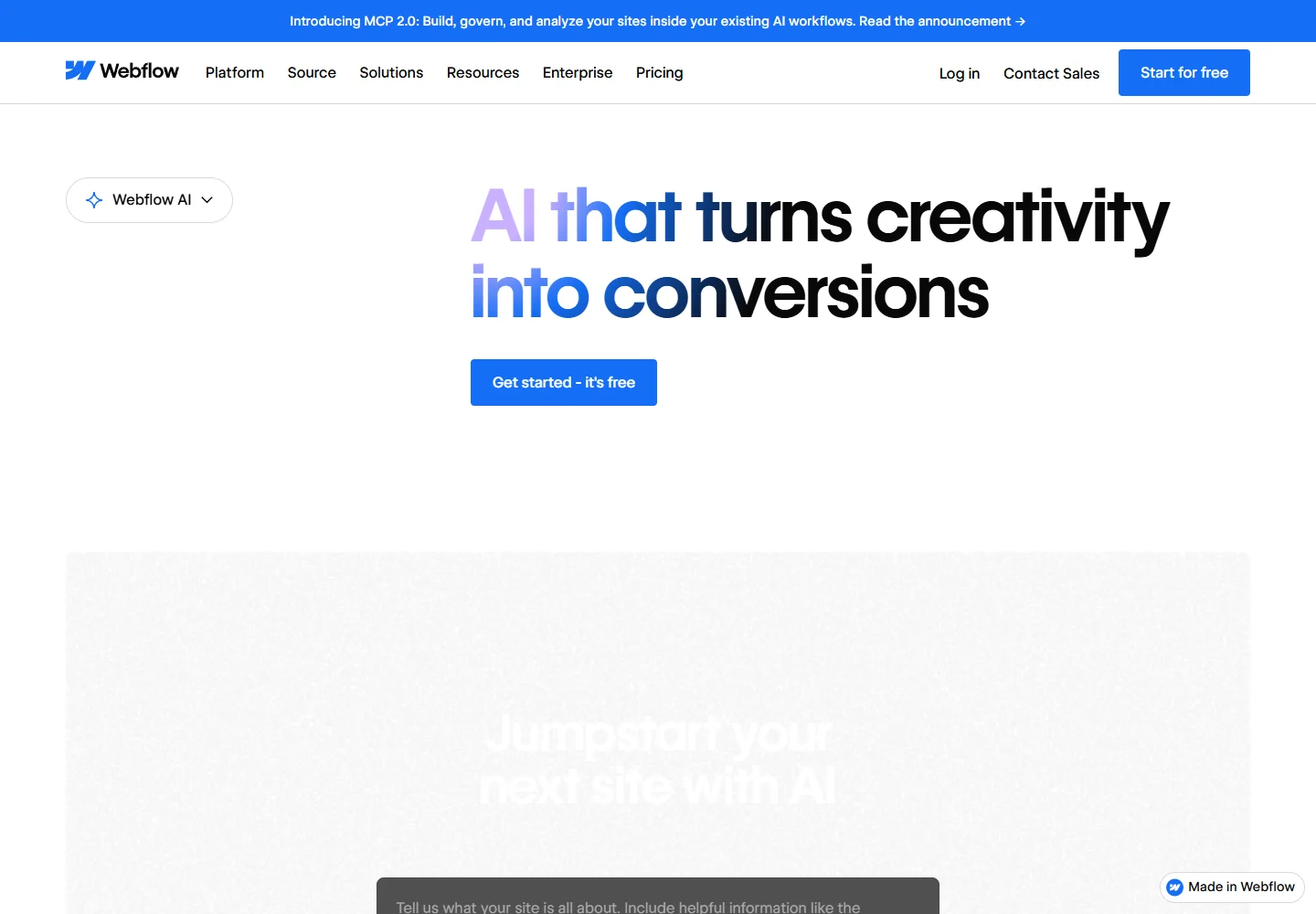
Webflow AI connects site creation with the ongoing work of managing a website. It combines generated structure, visual editing, content assistance, and tools for improving search visibility.
Meet the tool
The AI site builder starts with the website's purpose and page requirements. Its shared theme and generated style guide provide a foundation for keeping a multi-page site coherent.
The wider platform adds AI help throughout a site's life: drafting copy, working with CMS content, and auditing SEO and AEO. That makes it relevant to teams with a continuing publishing schedule.
| Aspect | What to expect | Evidence |
|---|---|---|
| Starting point | Site brief followed by pages, sections, and a theme | Official guide ↗ |
| Design controls | Shared typography, color, and component styling | Official guide ↗ |
| Ongoing editing | AI assistance for content and SEO/AEO audits | Official guide ↗ |
What it helps you do
New AI-built sites share theme settings for typography, colors, and buttons, making sitewide design changes easier to coordinate.
Generate or revise supported text elements directly on the canvas, including shorter versions and changes to tone.
SEO and AEO audits surface issues and suggested improvements, giving editors a concrete set of follow-up tasks.
Inside the workflow
A closer look from the official resources. Open the image to inspect it at full size.

Start here
Describe the audience and the purpose of each page. Review the proposed structure before generating the complete site.
On supported sites, use the AI Assistant to add sections that reuse existing styles, then refine the selected layout.
Replace draft text with product-specific content. Use in-place rewriting to clarify headings and important calls to action.
VibeAtlas editorial guidance
A suggested evaluation, based on the documented workflow.
Use a brief for a home page, a service page, and a contact page. Review the proposed structure, then change the shared theme and inspect how the pages respond. This reveals whether the tool suits a team that needs consistent navigation, typography, and repeated components.
Replace draft claims with verified business information before publishing. Treat SEO and AEO suggestions as editing tasks to assess, and verify important content in the actual published page.
Questions before you start
Yes. The AI site builder proposes pages and sections from the brief. You can refine that structure before generating the site. Regenerating from a changed prompt replaces the current structure, so review existing edits before doing it.
Read the official explanationThe theme controls coordinate typography, colors, spacing, and other visual settings across generated pages. Individual sections can also be adjusted. Review several page types after a theme change to check consistency beyond the homepage.
Read the official explanationThe guide limits this workflow to new sites and sites created with the AI site builder. An existing site created another way should not be assumed compatible. Other AI editing features have their own availability requirements.
Read the official explanationThe official AI page covers copy generation, CMS content, code components, and search-readiness improvements. Use these capabilities for specific editing tasks, then inspect the output and confirm which features are available for the site and plan.
Read the official explanationMade with this tool
These projects are part of the current public VibeAtlas collection.
Already built something with it? Put your work on the map.
Resources
Summarized from these official resources. Check the website for current features and plans.
Guide updated
Explore more tools